
TradingView is one of the most widely used charting platforms in the world, but the ratings and complaints scattered across app stores, forums, and review sites don’t always tell the same story.
What is TradingView and how trustworthy is it?
TradingView is a web-based charting and analysis platform. It’s not a broker. It doesn’t hold your funds or execute trades on its own. Instead, you connect your own regulated broker account and place trades through TradingView’s interface, keeping your money with the brokerage you already trust.
The platform covers stocks, ETFs, crypto, forex, futures, bonds, and commodities across more than 100 exchanges worldwide. Real-time data spans instruments in North America, Europe, Asia-Pacific, Africa, and the Middle East, sourced from professional providers with direct access to exchange feeds. In total, real-time data covers more than 3,500,000 instruments.
Signing up takes under a minute. You need an email and a password, and you’re looking at charts. That low barrier to entry has helped TradingView build one of the largest registered user bases among charting tools globally.
The app-store numbers back that up. On Google Play, TradingView holds a 4.7-star rating from roughly 938,000 reviews with over 50 million downloads. On the App Store, it sits at 4.8 out of 5 from about 405,000 ratings. Those aren’t inflated numbers from a small sample; the volume of reviews alone makes the scores meaningful.
TradingView ratings across major review platforms
| Platform | Rating | Review count | Notes |
|---|---|---|---|
| Google Play | 4.7 / 5 | ~938,000 | Dominated by 4- and 5-star scores; 50M+ downloads |
| App Store | 4.8 / 5 | ~405,000 | Slightly higher rating, smaller but substantial sample |
| Verified-user futures review aggregator | 4.45 / 5 | 603 | 87% rated it 4 or 5 stars |
| Professional editorial review | 5.0 / 5 overall | N/A | Sub-scores: 4.5 ease of use, 4.5 cost |
Across platforms, the praise clusters around a few consistent themes: intuitive charting, an extensive indicator library, smooth cross-device syncing, and broker integration that lets you trade without leaving the chart.
The criticisms are just as consistent. Users on both app stores report lag during order execution and noticeable delays in the paper-trading simulator. Billing disputes around auto-renewal show up repeatedly, with reviewers describing unexpected charges after a trial ends. And customer support draws regular complaints: there’s no phone line and no live-agent chat, so users who hit a problem outside the chatbot’s scope often feel stuck. These negatives don’t tank the overall scores, but they appear frequently enough that they’re worth knowing about before you commit to a paid plan.
TradingView pricing tiers and what each plan includes
TradingView offers five tiers, from a free Basic plan up to Ultimate. Each step up adds more charts per tab, more indicators per chart, more alerts, and more watchlists.
| Plan | Monthly price | Annual price | Charts per tab | Key features |
|---|---|---|---|---|
| Basic (free) | $0 | $0 | 1 | Core charting tools, 2 indicators, ad-supported |
| Essential | $14.95/mo | $155.40/yr (saves ~$24/yr) | 2 | No ads, custom timeframes, additional watchlists |
| Plus | $29.95/mo | $299.40/yr (saves ~$60/yr) | 4 | More indicators and alerts than Essential |
| Premium | $59.95/mo | $599.40/yr (saves ~$120/yr) | 8 | Volume candles, non-expiring alerts, advanced functions |
| Ultimate | $239.95/mo | $2,399.40/yr (saves ~$480/yr) | 16 | Priority support, option to purchase professional market data |
Free trials run 30 days for Essential, Plus, and Premium. Ultimate gets a shorter 14-day trial. Alerts on Essential and Plus expire after two months, while Premium alerts don’t expire at all.
One cost that catches people off guard: real-time exchange data isn’t included in any subscription. It carries an additional per-exchange fee on top of your plan, and which feeds you can buy depends on which tier you’re on. Lower-tier plans can’t even buy some feeds, regardless of willingness to pay.
Is it worth paying for TradingView?
The free plan is a solid starting point if you’re learning technical analysis or just want to explore what TradingView offers. You get core charting tools, one chart per tab, and two indicators. That’s enough to follow a single market and practice reading price action.
The friction builds quickly with regular use. Ads interrupt your workflow, and feature gates remind you constantly that more is available for a price. If you’re charting daily, the free plan starts feeling like a demo.
Essential removes the ads and adds custom timeframes, which matters once you’re looking at markets on intervals that don’t fit the default set. But it still restricts real-time exchange data purchases to higher tiers. That’s a detail some users don’t discover until they try to add a live feed and find the option grayed out.
Plus and Premium are where most active traders land. Plus gives you four charts per tab, enough to track multiple symbols or timeframes side by side. Premium bumps that to eight charts per tab and adds non-expiring alerts, which is a real advantage if you build strategies around conditional triggers and don’t want to re-create them every two months.
Ultimate is a narrow product. It’s built for professionals who need priority support and access to premium market data feeds. At $239.95 a month, it doesn’t make sense unless those specific features are part of your daily workflow.
TradingView runs holiday and promotional discounts that periodically reduce annual pricing, so it’s worth waiting for a sale if you’re planning to commit for a year. On the other hand, if you only need screeners or basic watchlists, the paid tiers can feel overpriced compared to the free tools many brokers already bundle with their accounts. Real-time exchange data adds roughly $10 a month depending on the exchange, which stacks on top of whatever plan you’re paying for.
TradingView pros and cons
TradingView’s strengths center on charting depth and flexibility. Its weaknesses tend to cluster around support, billing, and the gap between its free and paid experiences.
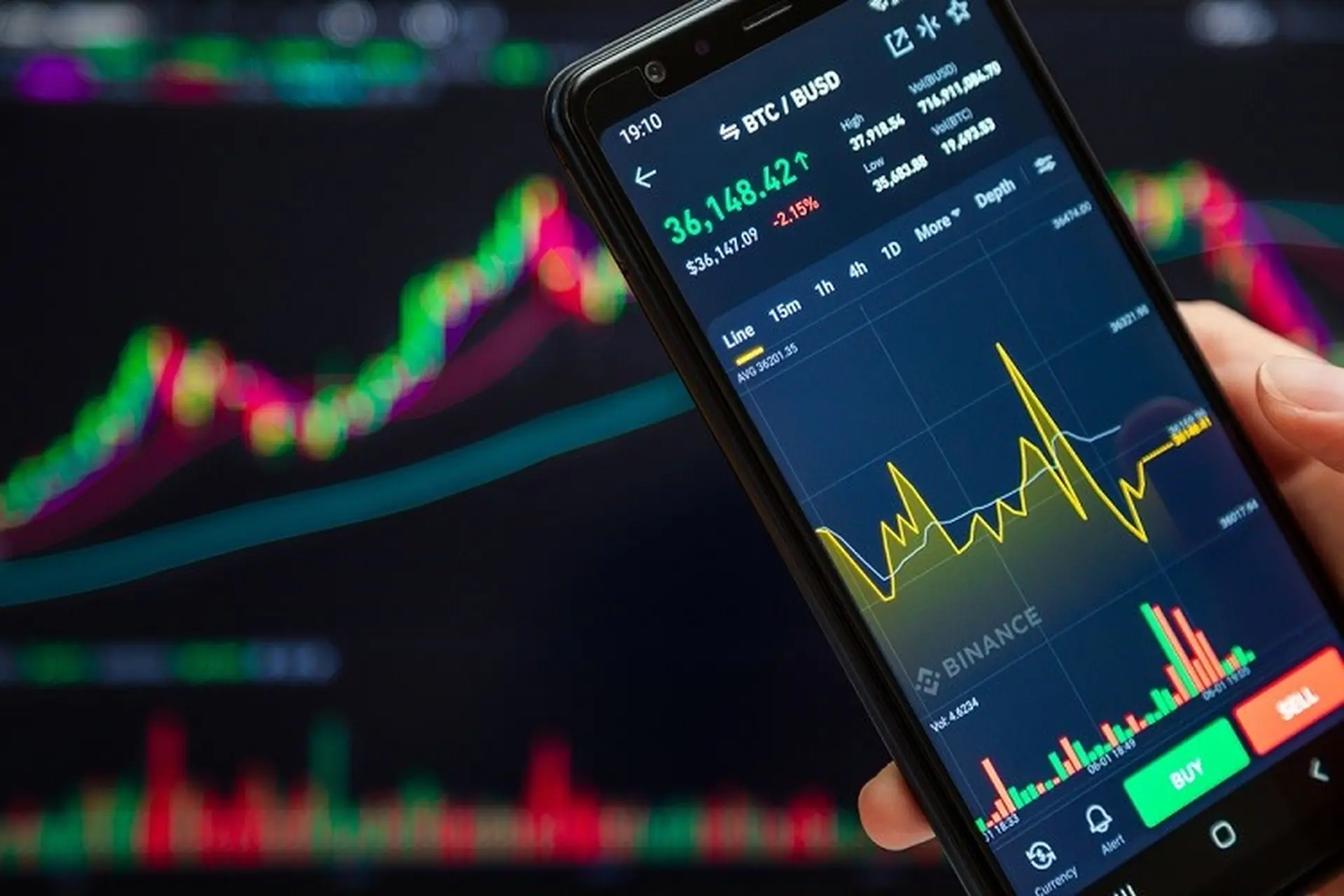
Pros:
- More than 400 built-in indicators and strategies, plus over 100,000 community-built public indicators, which our TradingView starter guide shows you how to load. That second number is what separates TradingView from most competitors: the community library dwarfs the platform’s own, and many of those scripts are free to use.
- Over 110 smart drawing tools and more than 20 chart types, including specialized types like Renko and Kagi that filter out time and focus purely on price movement.
- Pine Script lets you code your own indicators and automated strategies. Users in reviews consistently call this out as a reason they stay on the platform. If the built-in tools don’t cover what you need, you can build it yourself or find someone who already has.
- Broker integration lets you execute trades directly from the charting interface, so you don’t have to switch between tabs or apps to act on what you see.
- Cross-device syncing keeps your charts, alerts, and watchlists identical on desktop, web, and mobile. Set an alert on your laptop and it fires on your phone.
- An active social network where users publish trading ideas and share free scripts. It works as both a source of inspiration and a way to distribute community-built tools.
Cons:
- Free-plan ads and frequent upgrade prompts disrupt your workflow. They’re persistent enough that several reviewers describe the free tier as “borderline unusable” for focused work.
- The sheer size of the indicator library and the density of the interface overwhelm beginners. There’s a lot on screen, and the learning curve is steep if you’re new to technical analysis.
- In-platform educational guidance is limited. Help content lives in a separate Knowledge Base rather than being integrated into the tool itself, so you’re often tabbing away to figure out how a feature works.
- Real-time exchange data costs extra, and lower-tier plans can’t even purchase certain feeds. This creates a frustrating gap where you’re paying for a subscription but still can’t access live data for the exchange you trade on.
- The paper-trading simulator suffers from fill delays of 5 to 60 seconds, a problem reported widely across app stores and community forums. Those delays lead to accidental duplicate entries when users resubmit an order thinking the first one failed.
- Customer support lacks phone and live-agent chat options. The AI chatbot handles only pre-programmed topics, and once you’re outside its scope, there’s no clear path to a human.
- Auto-renewal billing and refund disputes appear frequently in user reviews. Multiple reviewers describe being charged after canceling, then waiting months without resolution.
Charting and analysis tools
The Supercharts platform acts as TradingView’s central hub, connecting screeners, alerts, watchlists, and community input into one workspace. Everything branches off from the chart.
Chart types range from standard candlestick and line charts to specialized formats like Renko and Kagi, which strip out time and plot only price movement. For traders focused on trend direction rather than when a move happened, those specialized types cut through noise that time-based charts introduce.
Drawing tools cover the range you’d expect from a professional-grade platform: Gann fans, Elliott Wave overlays, moving averages, trend lines, and dozens more. Screeners are available for stocks, ETFs, bonds, crypto, crypto pairs, DEX, and CEX (see CEX vs DEX if the distinction is new to you), with filters including P/E ratio, revenue growth, dividend yield, and return on equity. If you’re scanning for setups across asset classes, the filtering is granular enough to narrow a universe of thousands down to a watchlist-sized handful.
Heatmaps give you a color-coded overview of sector or index performance, which is useful for spotting where money is flowing at a glance. Watchlists display real-time market data and link directly into the charting view, so clicking a ticker drops you straight into its chart.
The alert system supports both price-based and indicator-based triggers. Notifications come through platform pop-ups, email, and SMS. You can set an alert on a moving average crossover just as easily as on a specific price level.
Bar Replay is a feature that doesn’t get enough attention. It plays back historical price data like a video, complete with fast-forward and rewind controls, so you can practice reading charts and backtesting strategies without risking real money. It’s not a substitute for live trading, but it’s one of the better ways to pressure-test a strategy against past data.
AI chart copilot
TradingView released an AI-powered charting assistant in 2026, though it was still in beta at the time of writing. The idea is straightforward: you describe the type of strategy you’re working on, and the copilot builds a corresponding chart layout for you. It also offers a quiz mode that asks you to identify chart patterns rather than just showing you the answers, which works more like a tutor than a shortcut.
The execution needs work. The copilot isn’t built into the platform natively. You have to install a separate Chrome extension, which immediately limits who can use it. Responses can be slow, and a weekly query limit applies even on paid plans.
For newer traders, the potential is real. Having an AI walk you through pattern identification could fill the gap left by TradingView’s limited in-platform education. But until the speed and access issues are resolved, it’s more of a preview than a daily tool.
Community tools and social features
TradingView describes itself as a social network layered on top of a charting tool, and that framing shapes the experience more than you might expect. The Community Ideas forum is where popular users post market commentary and analysis. You can follow traders whose calls have been accurate, browse ideas by asset class, and see how other people are reading the same charts you’re watching.
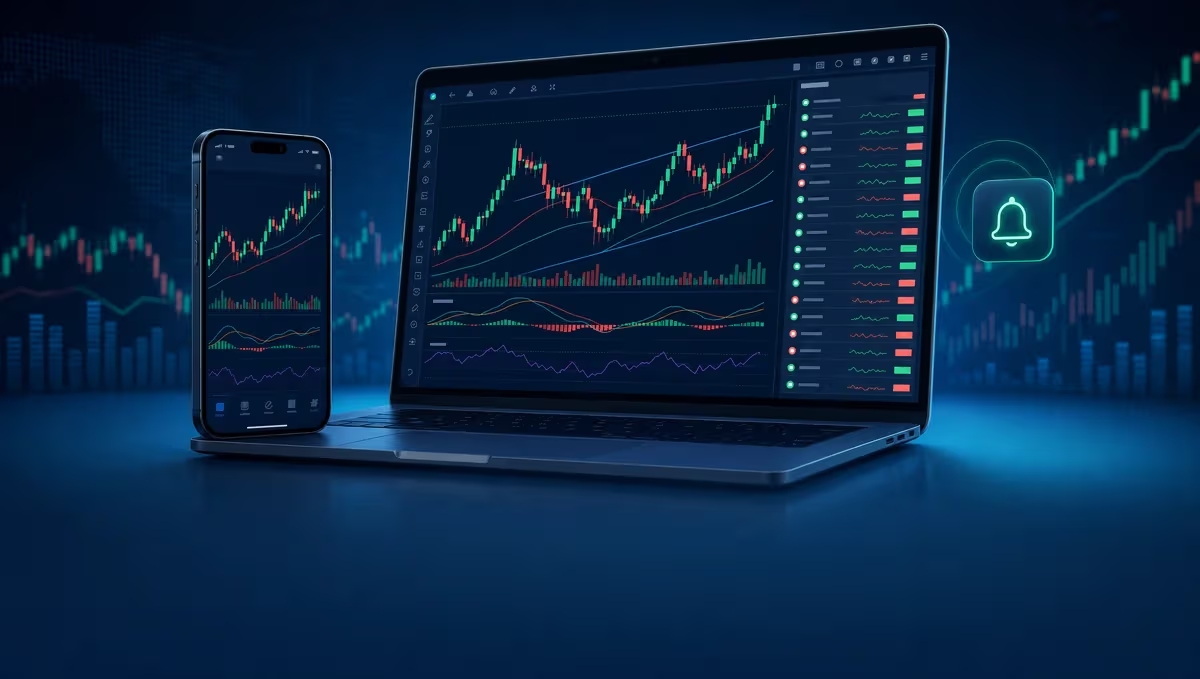
Pine Script is where the community’s value becomes concrete. TradingView ships with roughly 400 built-in indicators, but the community has published over 100,000 more that anyone can access for free. That lopsided ratio says a lot: most of the tools traders actually use on the platform were created by other users, not by TradingView itself. You can browse, install, and apply someone else’s indicator in seconds, and if you write Pine Script yourself, you can publish your own for others to use.
User sentiment on the social features splits along a predictable line. Experienced traders find value in idea generation and seeing how others approach setups. But the quality of contributors varies widely. Not everyone posting analysis is a verified professional, and vetting who actually knows what they’re talking about takes effort. Newcomers especially should treat published ideas as starting points for their own research, not as trade signals.
Mobile app ratings across devices
The mobile app mirrors most of the desktop charting functionality, including indicators, drawing tools, and alert syncing. Alerts you set on the web version push as notifications to the mobile app, so you don’t miss a trigger just because you’re away from your desk.
On iPhone, landscape mode comes close to replicating the web experience. Users describe it as nearly as powerful as the desktop version, which is unusual for a mobile trading tool. Chart settings are accessible from the Analysis hub menu and by long-pressing the price scale, and a recent update added overnight sessions to the Symbol screen chart, watchlists, and widgets.
Google Play reviewers give high marks for charting quality, though the paper-trading lag discussed earlier remains the most frequent complaint on that platform. App Store reviews tell a similar story: strong overall charting, but paper-trading fill times and changes to timeframe selection draw complaints.
The iPad experience is a different situation entirely. Multiple App Store reviews criticize the iPad app for replicating the phone layout rather than offering the fuller desktop-style interface that a larger screen could support. Traders who want the full experience on an iPad often end up using Safari to load the web version as a workaround. If you’re looking for standalone crypto apps worth using that offer optimized tablet interfaces, it’s worth comparing alternatives before committing.
Where customer support falls short
Customer support is TradingView’s most consistent weak point across review platforms. There’s no phone support. There’s no live-agent chat. The front line is an AI chatbot that handles pre-programmed topics, and users report that it loops them back to the same answers without ever connecting them to a human agent when their issue falls outside its scope.
Email support exists for mobile-app issues at [email protected], but general billing inquiries often go unanswered according to user reports. Developer responses on app stores typically direct users to submit tickets rather than resolving anything publicly, which adds another step without a guaranteed outcome.
Auto-renewal is the billing complaint that surfaces most often. Users describe being charged after they believed they’d canceled, and the refund process that follows can drag on for months. Multiple app-store reviews describe failed refund attempts, and some users report that promised refunds for promotional plan switches weren’t honored.
Broker-connection stability is another recurring frustration. Some users report needing to re-enter their broker credentials multiple times per day, which erodes trust in the integration and slows down anyone trying to trade actively through the platform.
Paper trading on TradingView
TradingView’s built-in paper-trading simulator is accessible from the Trading Panel at the bottom of the charting tool. You choose between linking a live broker account or selecting Paper Trading mode, and the virtual account starts you with $100,000 in play money. If you blow through it, you can reset the balance and start fresh.
The concept is sound. The execution has a well-documented problem. Those same lag issues mentioned in the pros and cons section show up here too, with users across Google Play, App Store, and community forums consistently reporting waits of 5 to 60 seconds for simulated fills. When you place a simulated order and nothing happens for 30 seconds, the natural reaction is to click again. That leads to accidental duplicate entries, which throws off your simulated P&L and makes it harder to evaluate whether your strategy actually works.
This isn’t a minor annoyance for traders who rely on paper trading to test before going live. A simulator that doesn’t fill orders at realistic speeds teaches you the wrong lessons about entry and exit timing. If you’re practicing scalping or any time-sensitive strategy, the lag makes the results unreliable.
Bar Replay supplements paper trading by letting you replay historical candles, though users describe the candle printing as unrealistic compared to live price action. Despite the complaints, paper trading remains popular among users who accept the lag and use it for broader strategy testing rather than precise execution practice.
Frequently asked questions
Can you do automatic trading with TradingView?
Yes, but it requires some setup. TradingView’s alert function can send email notifications when conditions are met. You connect those alerts to a broker that accepts automated orders, linking an automated trading bot or API to receive the email triggers and execute trades. TradingView itself doesn’t run the automation; it acts as the signal source.
Does TradingView provide buy and sell signals?
Yes. Indicators like exponential moving averages flag overbought or oversold conditions on charts. Screeners also display analyst ratings that can guide decisions. These aren’t push-button signals telling you exactly when to trade, but they give you data points to build a thesis around.
Does TradingView have a trading journal?
No. There’s no built-in journal for logging and analyzing your trade history. You’ll need a third-party tool for that. Several standalone journaling apps integrate with broker accounts, but TradingView itself doesn’t track your trade notes or performance metrics in one place.
What asset classes does TradingView cover?
All the asset classes mentioned above, plus mutual funds and indices. Coverage spans global exchanges, so you’re not limited to U.S. markets.
Is TradingView free?
Yes. Yes. The free Basic plan includes the charting essentials: a single chart per tab, two indicators, and ad-supported access. It’s ad-supported and feature-limited, but it’s enough to explore the platform and learn the basics of technical analysis before deciding whether a paid plan is worth it.
Deciding whether TradingView fits your trading workflow
If your trading leans heavily on technical analysis across multiple asset classes, TradingView’s charting depth and indicator library are tough to beat. The combination of 400-plus built-in indicators, over 100,000 community-built scripts, and Pine Script’s coding flexibility gives you a toolkit that’s hard to match elsewhere.
The free plan works as a testing ground, but it pushes you toward paid tiers quickly. Mid-tier subscriptions, particularly Plus and Premium, cover what most active traders need without the steep cost of Ultimate. Ultimate serves a narrow professional audience that specifically needs priority support and premium data feeds.
The negatives are persistent and well-documented. Customer support lacks a direct line to a human agent, and billing disputes around auto-renewal remain a common frustration. Paper-trading lag makes the simulator unreliable for time-sensitive strategy testing. If you depend on phone support or need a polished execution simulator, those gaps will affect your experience.
What tips the scale for most users is the community. The sheer volume of shared indicators, published ideas, and Pine Script tools extends TradingView far beyond what the company built on its own. For traders who are comfortable with self-directed research and don’t need hand-holding from support, that community makes TradingView worth serious consideration. If you trade crypto specifically and want to understand where TradingView’s broker integrations connect, learning crypto exchange basics can help you evaluate which broker connection suits your needs. For a broader comparison of platforms where you can trade directly, our guide to which exchange to choose covers fees, security, and coin selection across the top options.