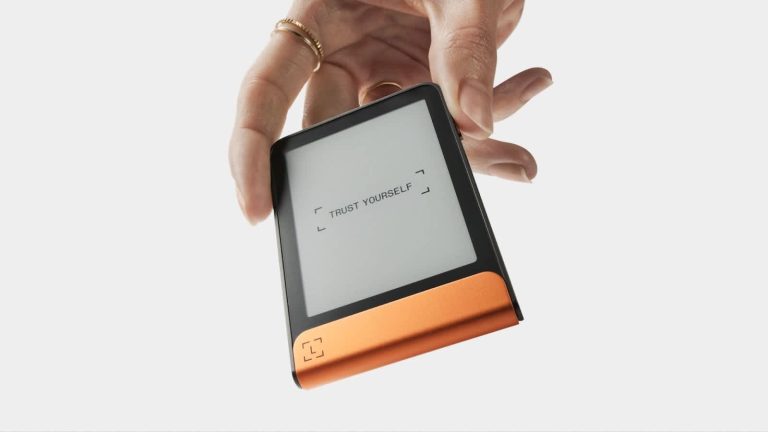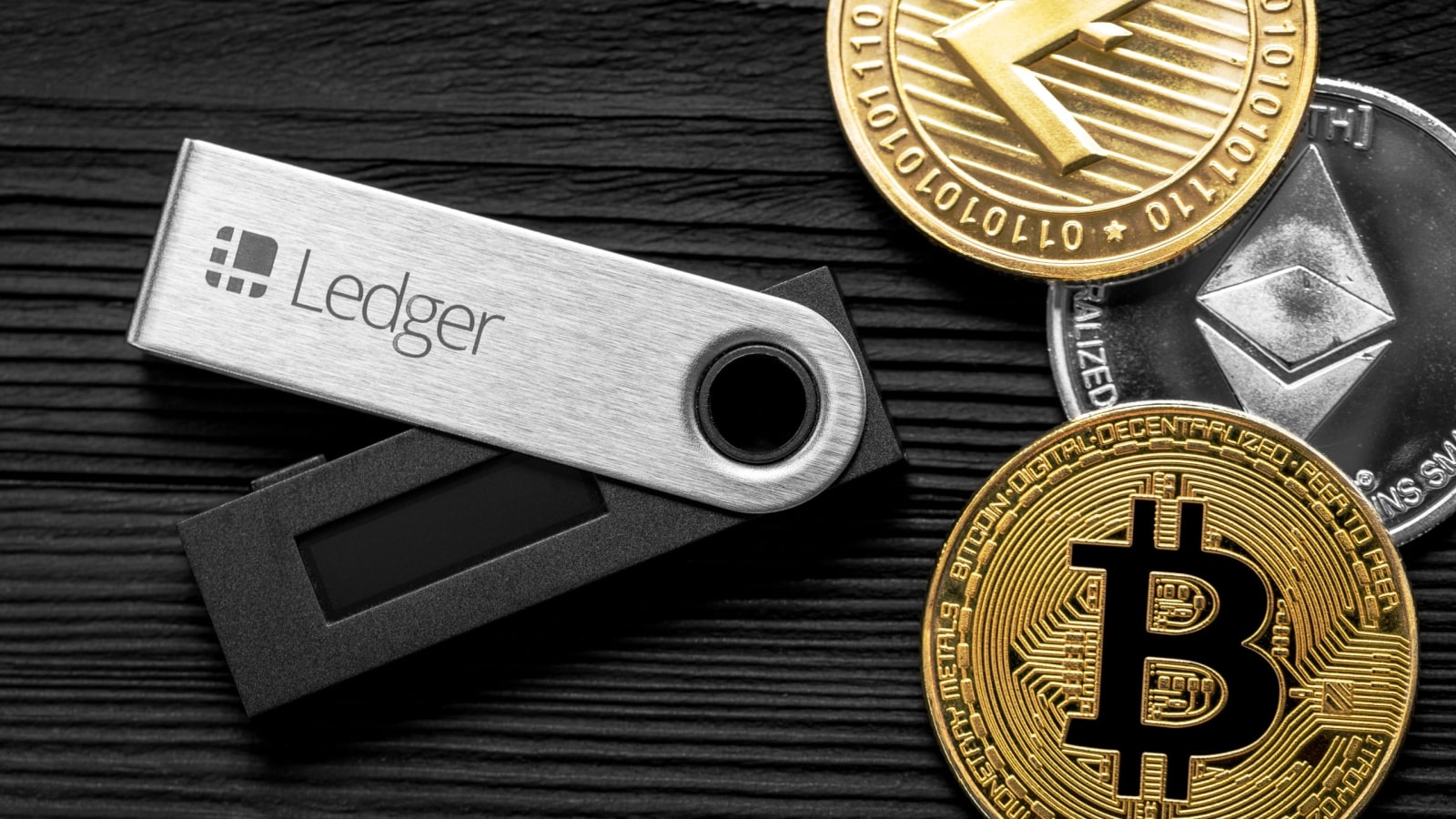

A cold wallet keeps your cryptocurrency private keys completely offline, away from the hackers, malware, and phishing schemes that target internet-connected wallets. If you’re new to self-custody or just moving your holdings off an exchange, learning how to use a cold wallet is one of the most practical steps you can take.
What is a cold wallet and how does it work?
A cold wallet is a storage method that holds your cryptocurrency private keys entirely offline, isolated from any internet connection. Private keys are the secret codes that prove you own the crypto recorded on a blockchain. The coins and tokens themselves never actually leave the blockchain; the wallet simply holds the keys that control them. You’ll also hear it called cold storage or offline storage. Cryptocurrency users tend to say “cold wallet,” while the broader data-security field often uses “cold storage.”
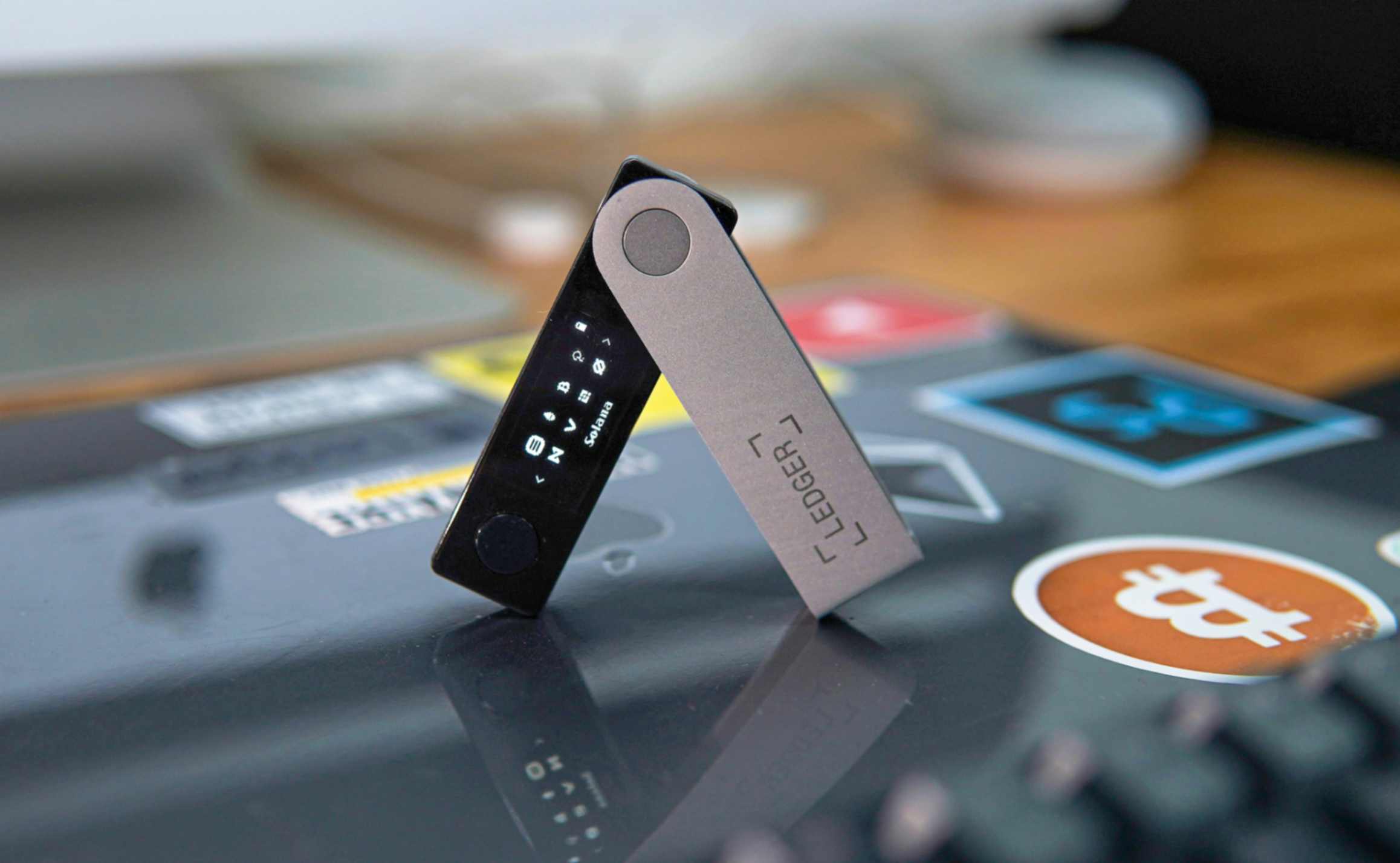
Because the keys never touch a network, cold storage removes the attack surface that online wallets expose. There’s no server for a hacker to breach, no browser session for malware to hijack, and no login credentials to phish. Over $1 billion was stolen through wallet hacks and phishing attacks in 2022, and the vast majority of those losses hit wallets that were connected to the internet at the time.
Cold wallets are non-custodial by default. You control the private keys directly, with no crypto exchange account or third-party intermediary standing between you and your funds. That means no one can freeze your account or lose your assets through mismanagement, but it also means you carry the full weight of keeping everything secure.
How cold wallet transactions work
Even though a cold wallet stays offline, you can still send crypto from it. The process keeps your private keys protected at every step by splitting the work between an internet-connected device and the offline wallet.
- Prepare the transaction on an online device. Open the companion app or wallet software on your computer or phone and enter the recipient’s address, the amount, and the network fee.
- Transfer the unsigned transaction to the cold wallet. The online device passes the transaction data to the cold wallet through a USB cable, QR code scan, or NFC tap, depending on your device.
- Sign the transaction offline. The cold wallet uses the private key stored inside it to cryptographically sign the transaction. This happens entirely within the device, with no network connection.
- Move the signed transaction back to the online device. The signed transaction travels back over USB, QR code, or NFC to the computer or phone.
- Broadcast to the blockchain. The online device sends the signed transaction to the blockchain network, where it’s confirmed by validators or miners.
The private keys never leave the offline environment during any of these steps. The internet-connected device only ever handles the unsigned and signed transaction data, never the keys themselves.
Types of cold wallets
Cold wallets fall into two broad categories. Active cold wallets, like hardware devices and air-gapped computers, generate keys and sign transactions internally. They’re self-contained tools you interact with directly. Passive cold storage, like paper and metal backups, only records key information. To actually send a transaction with a passive backup, you’d need to import the key into a separate device.
Each type differs in security level, durability, cost, and the technical skill you’ll need. The right choice depends on how much crypto you’re storing, how often you transact, and how comfortable you are with hands-on setup.
Hardware wallets
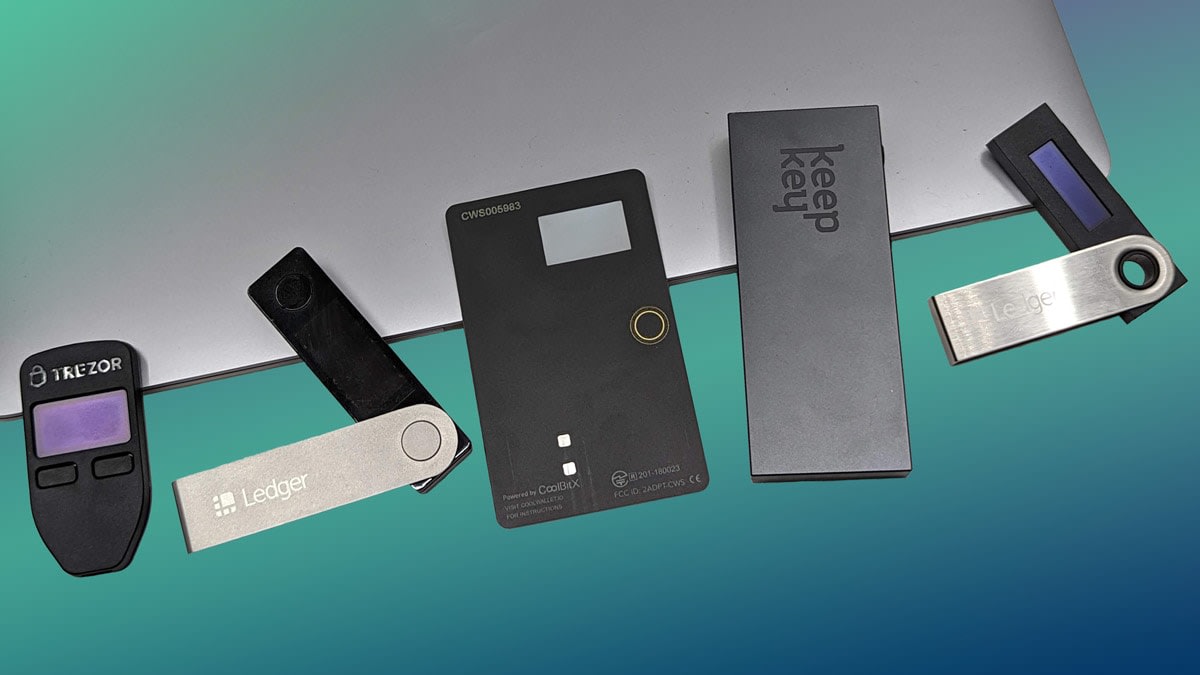
Hardware wallets are dedicated physical devices built to generate and store private keys offline. They’re the most popular form of cold wallet for individual users because they balance strong security with a guided, app-driven experience.
You connect a hardware wallet to your computer or phone through USB, Bluetooth, or NFC and pair it with a companion app that handles the online side of transactions. Inside the device, a secure element chip protects the private key against physical tampering, similar to the chip in a credit card. A PIN code and on-device encryption guard against unauthorized access if someone gets their hands on the device.
The built-in screen and buttons matter more than you might expect. When you confirm a transaction, the device displays the recipient address and amount on its own screen, not on your computer. That means even if your computer is compromised by malware showing a fake address, you can catch the discrepancy on the hardware wallet’s display before you approve anything.
During initial setup, the device generates a recovery seed phrase, typically 12 or 24 words. If your device is ever lost, stolen, or broken, you can restore your keys on a new compatible device using that seed phrase. Some hardware wallets also support multi-signature transactions, which require more than one key to authorize a transfer, adding another layer of protection for larger holdings.
Certain models include built-in cameras for QR-code scanning, which reduces data exposure by removing the need for a USB or Bluetooth connection to a computer. Air-gapped hardware wallets take this further by removing all wireless connection ability entirely.
Consumer hardware wallets generally cost roughly $49 to $179. Some devices support over 5,500 coins and tokens, and certain models can run over 100 installed apps at the same time, covering a wide range of blockchain networks from a single device.
Paper wallets
A paper wallet is a physical document that contains your private key and public address, either written out as text or printed as a QR code. The private key is generated offline, then printed or handwritten onto paper. There are no electronic components and no cost to create one.
That simplicity comes with serious trade-offs. Paper is vulnerable to fire, water, ink fading, and plain physical theft. There’s no built-in recovery option: if the paper is destroyed or lost, your access to those funds is gone permanently.
When you want to spend from a paper wallet, you have to import the private key into a software wallet to sign a transaction, which temporarily exposes that key to an internet-connected device. That brief moment of online exposure is enough to compromise the security advantage cold storage was supposed to provide.
Paper wallets are widely considered an outdated form of cold storage. Many modern wallet generators actively discourage them in favor of hardware wallets or metal backups.
Metal wallets
Metal wallets record your seed phrase or private key on a durable physical medium: stamped steel plates, individual metal letter tiles, or sealed capsules. That durability means they can survive fires, floods, and everyday wear.
Metal wallets function primarily as a seed phrase backup rather than a standalone wallet. They don’t sign transactions or interact with blockchain software on their own. You still need a hardware wallet or another signing device to actually move funds. The metal backup is your recovery failsafe if that signing device breaks or disappears.
To maintain security, the key or seed phrase engraved on the metal must have been generated in an offline environment in the first place. If the seed was created on a malware-infected computer, stamping it into steel doesn’t fix the exposure.
Metal wallet prices generally run from roughly $50 to $200, depending on the format and material.
Air-gapped computers
An air-gapped computer is a dedicated machine that has never been connected to the internet, used exclusively for key management and transaction signing. It’s a DIY alternative to a commercial hardware wallet and provides maximum isolation from network threats.
The wallet software is split into two components. The offline machine holds the private keys and signs transactions. A separate, internet-connected computer holds only the public keys and handles broadcasting. Unsigned transactions pass between the two machines via USB drive or QR code, following the same sign-offline, broadcast-online flow as a hardware wallet.
The trade-off is complexity. Setting up an air-gapped computer requires significant technical expertise: choosing the right operating system, verifying software integrity, and maintaining strict discipline about never connecting the machine to a network. The initial cost is higher than a hardware wallet (you need a dedicated computer), and ongoing maintenance, like applying security patches manually via USB, adds work. For most individual users, a hardware wallet offers comparable security with far less effort.
Sound wallets
Sound wallets encode private keys as audio files stored on CDs, USB drives, or vinyl records. Decoding requires a spectroscope application or high-resolution spectroscope hardware to read the audio signal and extract the key.
The storage medium is less likely to be recognized as holding valuable data, which offers a form of security through obscurity. But audio media degrades over time, CDs scratch, and the decoding process adds friction without providing a meaningful security advantage over hardware or metal wallets. Sound wallets are an obscure, impractical option that you’re unlikely to encounter in practice.
How to set up a cold wallet for the first time
This walkthrough focuses on hardware wallets since they’re what most people will actually use. The core principles, offline key generation, seed phrase protection, and test transactions, apply to any cold storage method.
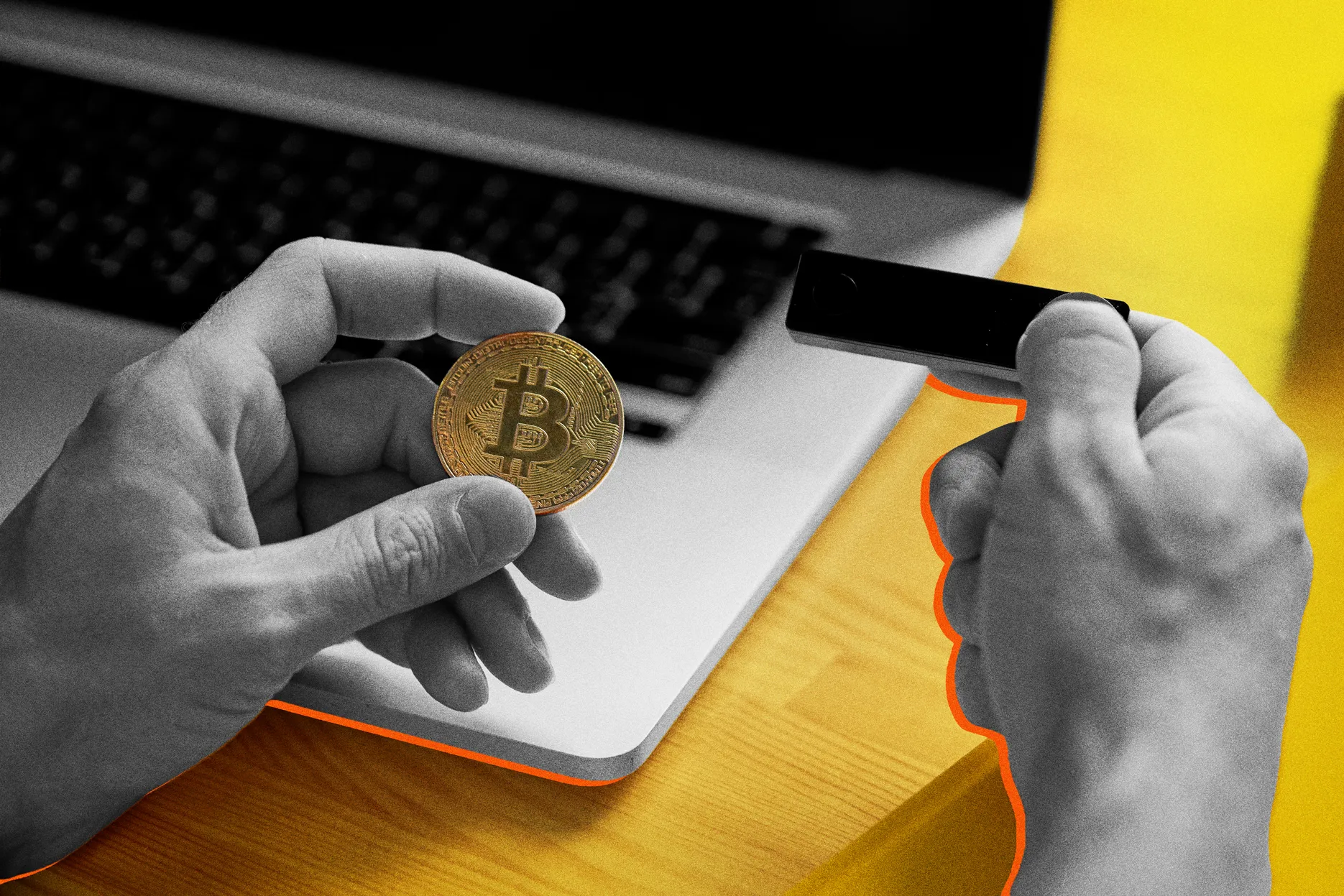
- Buy from the right place. Purchase your hardware wallet from the manufacturer’s official online store or an authorized retailer. Third-party marketplace sellers introduce supply-chain risk: the device could arrive with pre-loaded malware or a pre-generated seed phrase controlled by someone else.
- Check for tampering. When the package arrives, inspect the tamper-evident seals and packaging. If anything looks opened, resealed, or damaged, don’t use the device. Contact the manufacturer for a replacement.
- Initialize the device and set a PIN. Power on the device and follow the on-screen setup. Choose a strong PIN that you don’t reuse from any other account. This PIN is what protects the device if someone physically picks it up.
- Record your seed phrase immediately. The device will display a recovery seed phrase, usually 12 or 24 words. Write it down on paper or engrave it on a metal backup right away. Never photograph it, screenshot it, email it, or store it in cloud notes, a password manager, or any digital format. Digital copies defeat the entire purpose of keeping your keys offline.
- Install the companion app. Download the manufacturer’s companion app on your computer or phone. Add the cryptocurrency networks or token apps you plan to use.
- Send a small test transaction. Transfer a small amount of crypto to your new wallet address. Before confirming the deposit on the sending side, verify the receiving address by checking the first and last several characters on the hardware wallet’s own screen, not just on your computer.
- Test recovery before loading significant funds. If you have a spare compatible device, restore from the seed phrase to confirm the backup works. As mentioned above, testing early with a small balance saves you from finding out the hard way that something went wrong.
How to transfer crypto into and out of a cold wallet
Once your device is ready to go, sending and receiving crypto through a cold wallet takes just a few steps, and our cold wallet transfer guide walks through each one. The key habit to build is verifying addresses carefully and running a test transfer before sending large amounts.
Receiving crypto
- Open the companion app on your computer or phone and select the asset you want to receive.
- Display the wallet’s public address. The app will show your receiving address as text and usually as a QR code. Confirm the address on the hardware wallet’s own screen to make sure it matches.
- Copy the address into your exchange or hot wallet. Paste it into the withdrawal screen on the platform you’re sending from. Double-check the first and last several characters after pasting.
- Confirm the withdrawal. The exchange broadcasts the transaction to the blockchain. Your cold wallet doesn’t need to be plugged in or turned on to receive. The funds arrive via the blockchain ledger; the wallet just needs to be online later to see the updated balance in the companion app.
Sending crypto
- Connect your hardware wallet and open the companion app.
- Create the transaction. Enter the recipient address and amount in the app.
- Approve on the device. The hardware wallet displays the transaction details on its own screen. Verify the address and amount, then confirm with your PIN or biometric input.
- The app broadcasts the signed transaction. The companion app then broadcasts the transaction to the network. The private keys stay on the device throughout.
Always do a small test transfer before moving large amounts, both when receiving and when sending. The minor network fee is worth the peace of mind.
Seed phrase management and backup strategies
Your seed phrase is the single most important piece of information in your cold wallet setup. If your device breaks, gets lost, or is stolen, the seed phrase is what lets you restore access to your funds on a new device. If someone else gets your seed phrase, they have full access to everything it controls.
- BIP39 standard. Most hardware wallets generate a seed phrase of 12 or 24 words using the BIP39 standard. This word list encodes the master key from which all of your private keys and wallet addresses are derived.
- Hierarchical deterministic (HD) wallets. Key derivation standards BIP32 and BIP44 create an HD wallet structure: one seed controls every account across multiple blockchains. You don’t need a separate backup for each coin or address. Lose the seed, and you lose them all. Protect the seed, and you protect everything.
- Metal backups. An engraved steel plate or set of metal letter tiles gives your seed phrase a level of physical durability that paper simply can’t match. For the cost of roughly $50 to $200, you get a backup that can survive most household disasters.
- Geographic distribution. Store backups in at least two geographically separate secure locations, such as a fireproof safe at home and a bank safety deposit box. If a single location is compromised by theft, fire, or flooding, the other copy survives.
- Shamir Backup (SLIP-39). Some wallets support SLIP-39, which splits your seed into multiple shares. You define how many shares exist and how many are needed to reconstruct the master key, for example, three of five. This eliminates the single-point-of-failure risk of one backup holding the complete seed. Even if an attacker gets one share, it’s useless on its own.
- Optional passphrase (25th word). An optional passphrase can be added on top of the seed phrase, sometimes called the 25th word. With it enabled, the same seed phrase produces an entirely different set of keys and addresses. Someone who finds your seed phrase but doesn’t know the passphrase would access an empty wallet, or a decoy wallet if you’ve set one up.
- Test your recovery. As noted in the setup steps, restore from the seed phrase on a spare device with a small balance to confirm everything works before your full portfolio depends on it. A backup you’ve never tested is a backup you’re hoping works.
- Inheritance planning. Arrange for trusted individuals to access your seed information if you become incapacitated or pass away. Without a plan, your crypto could become permanently inaccessible. This might mean leaving instructions in a sealed envelope with an estate attorney, using a Shamir split among family members, or including cold wallet recovery steps in your will. The goal is making sure someone you trust can reconstruct access without exposing the seed phrase during your lifetime.
Cold wallet vs hot wallet
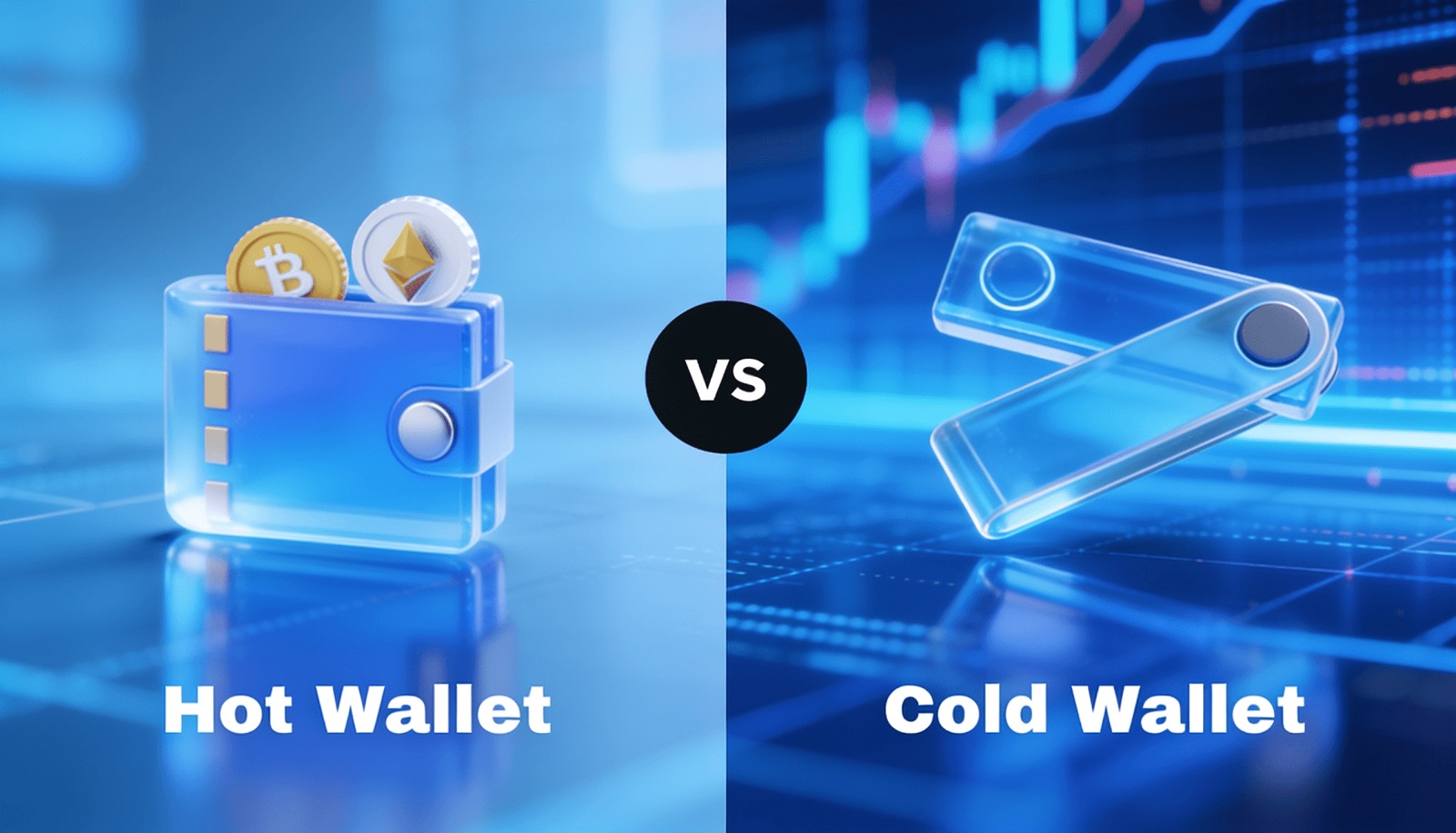
With a hot wallet, your private keys live on a device that stays online, whether that’s a phone app, a browser extension, or an exchange account. A cold wallet keeps them offline. Both have a role, and most experienced holders use both.
| Feature | Hot wallet | Cold wallet |
|---|---|---|
| Key storage | On an internet-connected device | Completely offline |
| Transaction speed | Instant, no extra steps | Requires manual connection or signing |
| Vulnerability | Exposed to hacking, phishing, malware | Immune to remote attacks |
| Cost | Typically free | Roughly $49-$179 one-time (hardware) |
| Custody | Some are custodial (exchange wallets) | Almost always non-custodial |
| Best for | Daily transactions, active trading | Long-term storage, large holdings |
The practical approach most people settle on is a hybrid: keep the bulk of your holdings, roughly 80% to 95%, in cold storage, and keep a smaller working balance of 5% to 20% in a hot wallet for day-to-day transactions. Think of it like keeping most of your savings in a bank vault and carrying pocket money in your wallet.
Cold wallet security: what protects you and what can go wrong
The core security advantage of a cold wallet is immunity to remote attacks. Phishing emails, malware, ransomware, and exchange hacks can’t reach private keys that never connect to the internet. There’s simply no digital pathway to exploit.
Cold wallets also eliminate counterparty risk. When you hold your own keys, you aren’t affected by an exchange going insolvent, freezing withdrawals, or getting hacked. Your funds are under your direct control.
Unlike software-dependent security, which can weaken as new vulnerabilities are discovered in operating systems or apps, a cold wallet’s security model holds steady over time. The attack surface is minimal because very few systems ever interact with the private key.
Common vulnerabilities and mistakes to avoid
Cold wallets aren’t invincible. Most cold wallet losses come from user mistakes, not from flaws in the devices themselves.
- Supply-chain attacks. Buying from unofficial resellers risks receiving a device loaded with malware or pre-configured with a seed phrase the attacker already knows. Always purchase directly from the manufacturer or an authorized retailer.
- Seed phrase exposure. Anyone who sees your seed words has full access to your funds. Never share them with anyone, and never enter them into a website or app that claims to need them for “verification.” No legitimate service will ask for your seed phrase.
- Weak or default PINs. A device protected by “0000” or “1234” offers almost no resistance to someone who steals it physically. Choose a PIN you haven’t used anywhere else.
- Digital storage of the seed phrase. Saving your seed as a photo, in a cloud note, or in a password manager puts it back on an internet-connected device. That single decision undoes every security benefit of cold storage.
- Generating seeds in a compromised environment. If you create a seed phrase on a computer infected with malware, the malware may capture the words before they ever reach your cold wallet. The device’s own key generation is the safe path.
- Social engineering. Attackers posing as customer support may contact you and ask for your seed phrase or PIN to “resolve an issue.” Hardware wallet manufacturers will never ask for this information.
- Single point of failure. Without a backup, losing or destroying your device means your funds are gone permanently. Shamir Backup (SLIP-39) and multi-signature setups spread risk across multiple shares or keys, so no single loss is catastrophic. Social-recovery wallets offer a similar safeguard by designating trusted parties who can help restore access.
- Outdated firmware. Skipping device updates can leave known vulnerabilities unpatched. Check for firmware updates periodically through the official companion app and apply them promptly. Each update typically addresses specific security fixes the manufacturer has identified.
- Poor physical storage. Leaving the device or seed phrase in an easily accessible location, like a desk drawer or an unlocked cabinet, invites physical theft. Treat these items like you’d treat a large stack of cash.
Deep cold storage
Deep cold storage is a step beyond ordinary cold storage. It’s defined by the added inconvenience and time required to retrieve keys, and that friction is the point. The harder it is to access, the harder it is for anyone else to access, including an attacker who has compromised parts of your setup.
Methods include placing a hardware wallet inside a waterproof container and locking it in a vault, burying it in a secured location, or using a third-party vault service. Vault services may require identity verification and proof of address before granting access, and retrieval can take hours or even days.
Institutions often use hardware security modules (HSMs), which are specialized devices designed to manage large volumes of private keys in physically secured, access-controlled environments. HSMs combine tamper-resistant hardware with audit logging and policy enforcement.
The trade-off is clear: funds in deep cold storage aren’t available for quick transactions. If a market moves fast and you need to sell, deep cold storage won’t let you act in time. It’s best suited for holdings you don’t plan to touch for months or years, while assets that might need quick selling stay in a regular cold wallet or a hot wallet.
Cold wallets for businesses and institutional use
Protecting large digital-asset holdings from online threats is a top priority for any business that holds crypto. A single breach can mean millions in losses, regulatory consequences, and permanent damage to client trust.
Cold storage also meets regulatory requirements that many jurisdictions impose for safeguarding client assets. Exchanges and custodians in regulated markets are often required to keep a significant portion of client funds in offline storage. Hardware-level features, including PIN protection, encryption chips, and multi-signature authorization, provide the access controls that compliance frameworks expect.
Institutional-grade cold storage goes beyond a single hardware wallet. Vault-based systems distribute keys across geographically separated locations, require multi-party authorization for any transaction, maintain detailed audit trails, and often include insurance coverage. Multi-party computation (MPC) distributes key material across multiple parties so that no single person or location holds enough information to move funds alone, eliminating single-point-of-failure risk without the rigid key-share structure of traditional multi-sig.
Many institutions adopt a hybrid model: hot wallets handle day-to-day transactions, while cold wallets secure treasury reserves. Third-party custody providers handle the regulatory compliance, insurance, and security infrastructure that would be expensive and complex to build in-house. Self-custody retains full control but requires significant internal expertise to manage safely at scale.
Who benefits most from using a cold wallet?
Cold wallets aren’t only for large-scale investors or tech-savvy users. Several types of crypto holders get clear value from moving keys offline.
- Long-term investors. If you’re holding crypto for months or years without frequent trading, a cold wallet removes ongoing exposure to online threats during the entire holding period.
- High-value holders. When your portfolio is large enough that a $49 to $179 hardware wallet is negligible relative to what you’re protecting, cold storage is a straightforward decision.
- Businesses and institutions. Organizations managing digital-asset treasuries or client funds need the access controls, audit trails, and regulatory compliance that cold storage supports.
- Privacy-focused users. Cold wallets are non-custodial, so you don’t share personal data with a third-party exchange or custodian to hold your own assets.
- Active traders with a security plan. Even frequent traders benefit from keeping the majority of their funds offline and moving only a working balance to a hot wallet. The bulk of the portfolio stays protected while a smaller amount stays liquid.
- Beginners building good habits. Modern hardware wallets come with guided setup apps that walk you through each step. Starting with cold storage early means you learn secure key management from the beginning instead of trying to retrofit it later.
Frequently asked questions
Are cold wallets 100% safe?
No. Cold wallets provide the strongest digital security available for crypto storage, but they don’t eliminate every risk. Physical theft of the device, seed phrase exposure, and user mistakes like storing the seed digitally can still lead to losses. Proper setup, a tested seed phrase backup, and careful physical storage make cold wallets far more secure than any internet-connected alternative, but nothing in crypto security is absolute, which is why wallet security basics still apply.
Can someone hack a cold wallet remotely?
Not through the internet. Because the private keys never touch a network, there’s no remote pathway for an attacker to exploit. Compromise would require physical access to the device, supply-chain tampering before you received it, or social engineering that tricks you into giving up your seed phrase or PIN.
What happens if I lose my cold wallet device?
Your funds can be restored on a new compatible device using your recovery seed phrase. The crypto is on the blockchain, not inside the physical device. Without the seed phrase, though, the funds are permanently inaccessible. That’s why seed phrase backup is the most critical part of cold wallet ownership.
Can I still make transactions with a cold wallet?
Yes. Transactions are created in the companion app, signed offline on the hardware wallet, and then broadcast to the blockchain through the internet-connected app. Your private keys never leave the device during this process.
Are there free cold wallet options?
Paper wallets cost nothing to create, but they carry high physical risk (fire, water, fading) and require importing the key into a software wallet to spend, temporarily exposing it online. Running air-gapped wallet software on a spare computer is another low-cost option, though it takes more technical skill. Hardware wallets require a one-time purchase but offer the best balance of security and usability.
Do I need technical experience to use a cold wallet?
Modern hardware wallets are designed for beginners. The companion apps walk you through initialization, PIN setup, seed phrase recording, and your first transaction step by step. The main responsibility isn’t technical. It’s carefully recording and protecting your seed phrase, which is more about discipline than technical skill.
Keeping your crypto offline for the long run
Cold wallets shift security responsibility from exchanges and third parties to you. That’s both the strength and the commitment. You’re no longer trusting someone else to keep your keys safe, but you are responsible for doing it right.
At AXL Research Hub, we’ve found that the combination most individual holders settle on is a hardware wallet for signing, a metal seed backup for durability, copies stored in two geographically separate locations, and a small hot wallet balance for everyday use. That setup covers both security and practical access.
Maintaining your cold storage setup matters as much as setting it up in the first place. Periodically verify that your seed phrase backups are intact and legible. Check for firmware updates through the manufacturer’s companion app and apply them. Review where you’re physically storing the device and the backups, and make sure those locations are still secure.
Scaling matters too. An individual investor starting out does well with a single hardware wallet and a metal backup. As a portfolio grows, adding multi-signature authorization, Shamir Backup splits, or vault-based custody adds layers of protection that match the rising stakes. Institutions managing client funds may move to MPC-based custody or third-party vault services with insurance. The principle stays the same at every level: keep private keys offline, spread backup risk, and never let a single failure wipe out access.