
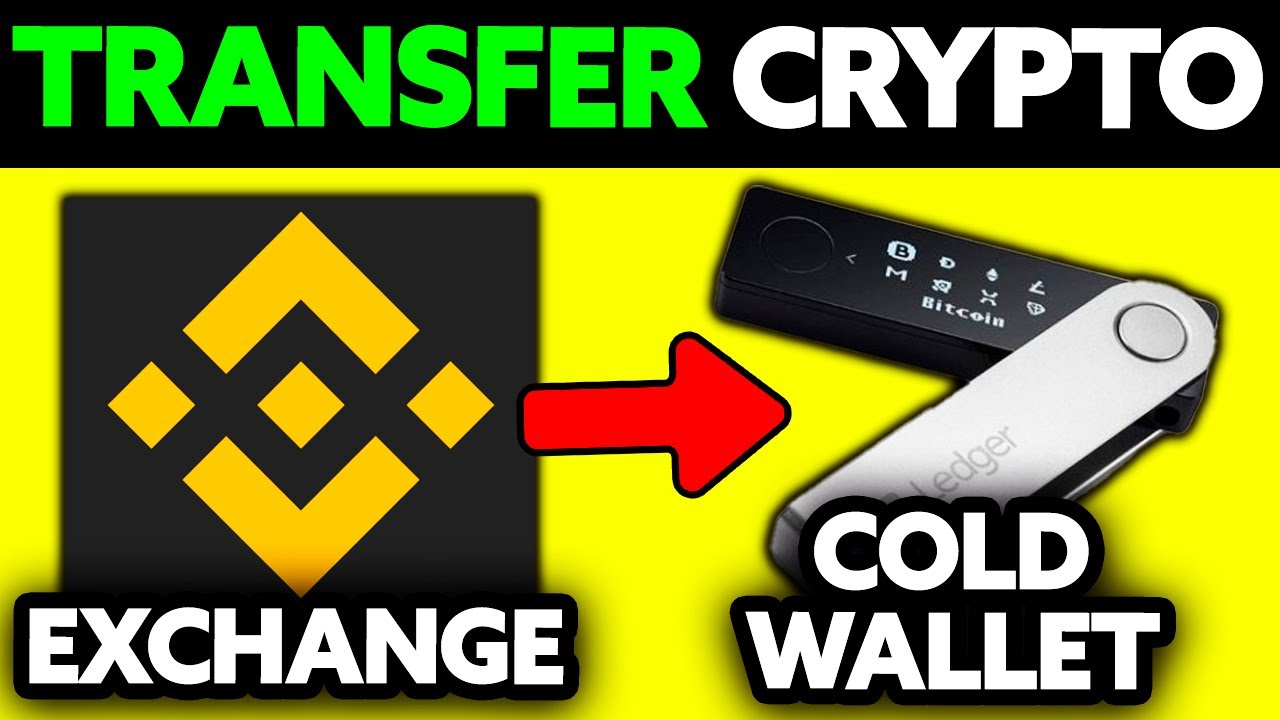
Moving cryptocurrency off an exchange and into a cold wallet is one of the most effective ways to protect it from hacks, phishing, and platform failures. Whether you’re moving Bitcoin, Ethereum, or stablecoins, the mechanics are the same: generate an offline address, withdraw from your exchange or hot wallet, and confirm arrival.
Why transfer crypto to a cold wallet
Hot wallets, whether run by an exchange or installed on your phone, store the private keys that authorize transfers. Because those keys stay online, they’re exposed to remote attacks around the clock. A single compromised hot wallet can drain funds in seconds, and history shows that breaches hit exchanges of every size.
The numbers speak for themselves. Mt. Gox lost $30,000 in a 2011 breach that foreshadowed far larger disasters. In 2018, Coincheck’s hot wallet was breached for $534 million. BitMart lost $196 million from two wallets in 2021. And in 2025, Bybit suffered a private-key leak that resulted in $1.4 billion in stolen ETH. Each of these incidents happened because private keys were accessible over the internet.
Beyond outright hacks, exchanges have frozen withdrawals during periods of market stress, locking users out of their own funds. If the platform controls your keys, the platform controls your access.
Phishing emails, clipboard-hijacking malware, and outdated wallet software libraries are all common attack vectors that exploit the always-online nature of hot wallets. Cold wallets eliminate that remote-attack surface entirely by keeping private keys in an environment that never connects to the internet. No internet connection means no remote exploit path.
Types of cold wallets: hardware, air-gapped, and paper
Not all cold wallets work the same way. The differences come down to how the device stores keys, how it signs transactions, and what trade-offs it makes between security and convenience.
Hardware wallets
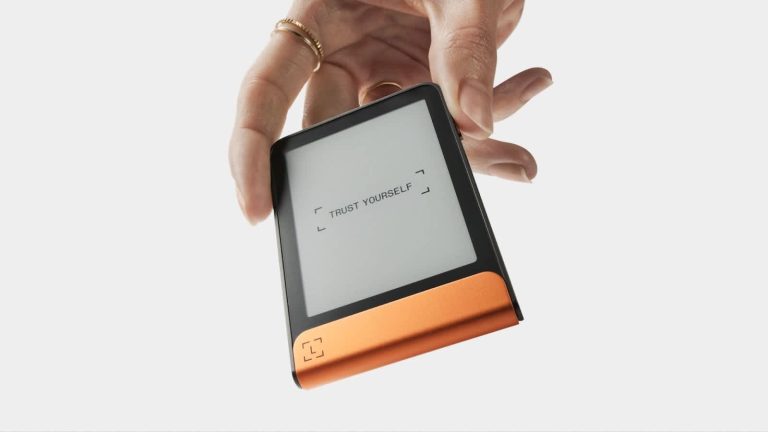
Hardware wallets are dedicated physical devices built around a secure-element chip (rated EAL5+ or EAL6+ in leading models) that generates and stores keys offline. Electronic hardware wallets include a small screen so you can verify addresses directly on the device before confirming a transaction. That screen requires firmware, though, which can itself become a vulnerability if a compromised update is installed. Prices typically range from $50 to $300 depending on features and supported assets.
Non-electronic hardware wallets take a different approach. These card-shaped devices strip away the screen, firmware, battery, and USB connection found in their electronic counterparts, storing keys offline and communicating through NFC (near-field communication) only when held near a phone. Because there is no software layer to maintain, they also eliminate the attack surface that comes with firmware updates.
Air-gapped wallets
Air-gapped wallets never physically connect to a computer or phone. Instead, they sign transactions through QR codes scanned by a camera or through data transferred on an SD card. Because there’s no wired or wireless link, the signing environment stays fully isolated from internet-connected devices.
Paper wallets
Paper wallets are printed copies of public and private keys. They’re immune to digital attacks, but they’re vulnerable to physical damage from fire, water, or simple wear. There’s no way to verify a transaction on a piece of paper, and restoring access requires importing the key into software, which reintroduces the online exposure you were trying to avoid.
Software-based cold storage
Some regular wallet apps offer an offline or cold mode that keeps keys off the network. This approach is more convenient than buying a dedicated device, but it relies on multi-layer encryption rather than a purpose-built security chip, so the protection isn’t as strong.
What to do before you transfer
Skipping any of these steps can lead to lost funds or a compromised wallet. Work through the list before you send anything.
- Confirm asset and network support. Not every cold wallet handles every cryptocurrency. Some hardware wallets support only Bitcoin, while others handle ETH, XRP, BNB, and a range of additional tokens. Check the manufacturer’s compatibility list for the specific coin and network you plan to store. Keep in mind that MiCA regulations in the EU restrict privacy coins like Zcash and Dash on licensed exchanges, which can affect your ability to withdraw those assets depending on where you’re based.
- Buy from the official manufacturer. Tampered devices sold through unofficial resellers may come with pre-loaded seed phrases that the attacker already knows. Purchase directly from the manufacturer or an authorized retailer, and inspect the packaging for signs of tampering before powering on.
- Check shipping and availability. Some manufacturers don’t deliver to certain countries. Confirm this before ordering so you don’t end up buying from a third party out of necessity.
- Initialize the wallet and generate a fresh seed phrase. When you power on the device for the first time, it will generate a 12- or 24-word recovery phrase. This phrase is the master backup for your keys. Never import a seed phrase that has been typed into a website, stored in a note app, or exposed to the internet in any way.
- Record the recovery phrase offline. Write it on paper or, for better durability, etch it into a metal plate that can survive fire and water. Never photograph it, screenshot it, or save it in a cloud app. If someone gains access to this phrase, they control your funds.
- Set your device PIN. Choose a PIN before proceeding with any transfer. This protects the device if it’s physically stolen.
- Install the companion app and update firmware. Download the wallet’s official companion app from the manufacturer’s website or verified app store listing. Run any available firmware updates through that app only. Phishing sites mimicking wallet manufacturers are common, and installing firmware from an unofficial source could compromise the device before you’ve even used it.
How to transfer crypto to a cold wallet step by step
Once your wallet is set up and your firmware is current, you’re ready to move funds. Follow these steps carefully, especially the address verification.
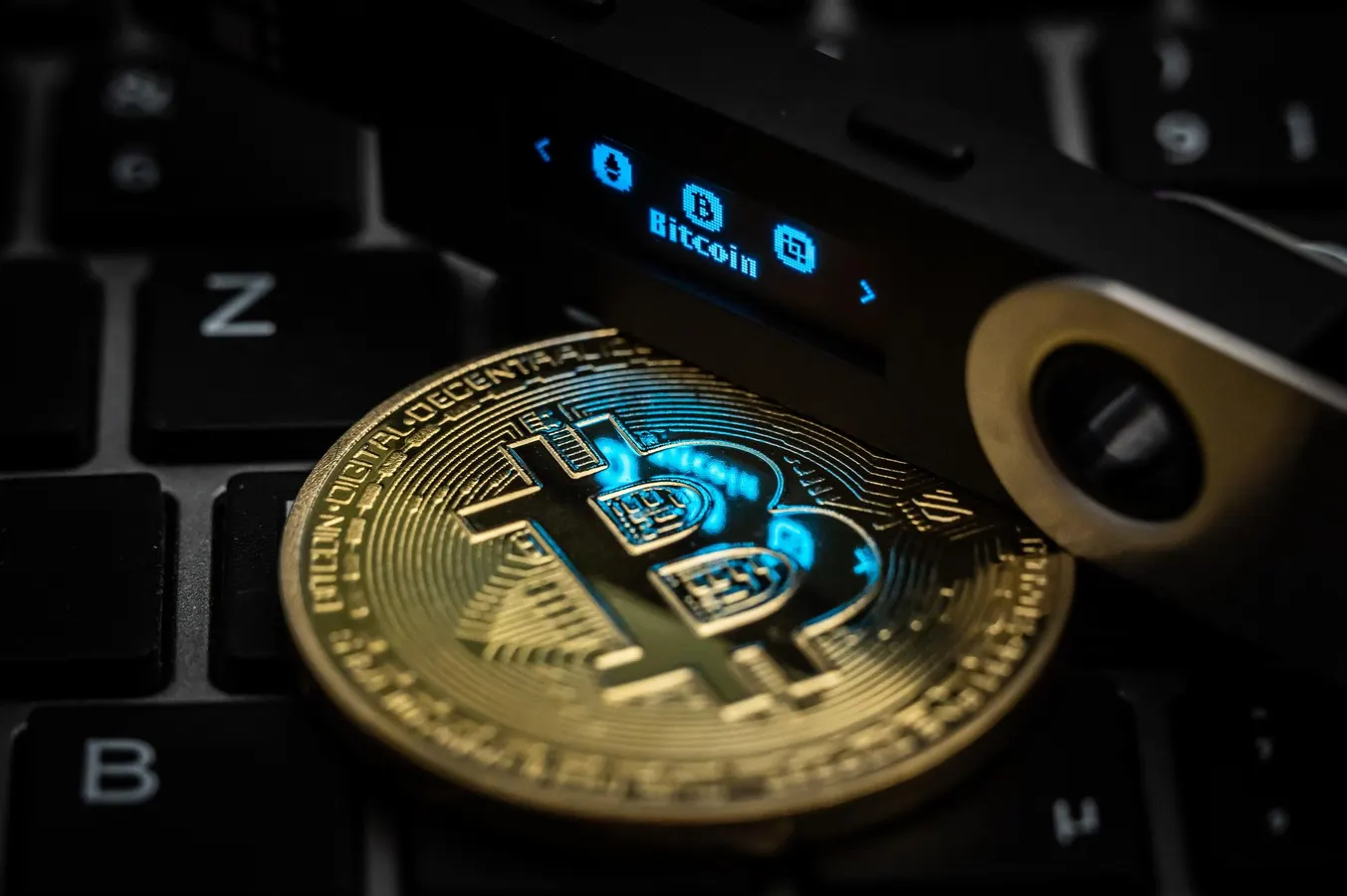
- Open the companion app and generate a receiving address. Select the asset you want to receive and make sure you’re generating an address for the correct network. On Ethereum and other multi-token networks, a single address can hold multiple assets like ETH and LINK, but the network selection still needs to match.
- Verify the address on your hardware device’s screen. Before you copy the address, confirm that the address displayed in the companion app matches the one shown on the device’s physical screen. This is the only trustworthy confirmation. Malware can silently swap clipboard addresses, and if you skip this step, you might send funds to an attacker’s wallet.
- Log in to your exchange or hot wallet. Open the withdraw or send function for the asset you want to move. If you’re unsure how a crypto exchange handles withdrawals, review its documentation before proceeding.
- Paste the cold-wallet address and select the correct network. Paste the receiving address into the recipient field and choose the matching blockchain network (for example, ERC-20 for Ethereum-based tokens). A mismatched network causes permanent loss of funds. There’s no customer support to reverse it.
- Enter the amount and review the network fee. Double-check both the amount you’re sending and the fee estimate before you confirm. If this is your first transfer to this wallet, send a small test amount first (see the mistakes section below).
- Complete two-factor authentication. Most exchanges require 2FA or additional security verification before processing a withdrawal. Follow whatever prompts appear.
- Wait for blockchain confirmation. Confirmation time depends on the network. Bitcoin transactions on the main chain typically confirm within about 10 to 20 minutes. Ethereum averages around 3 minutes. Tron transactions confirm in roughly 3 seconds.
- Verify arrival. Open the companion app or use a block explorer to confirm the assets landed at your cold-wallet address. You don’t need to plug the hardware wallet in to check a block explorer.
Common mistakes that cause lost funds
Cryptocurrency transactions are irreversible once confirmed on the blockchain. There’s no bank to call and no chargeback to file. These are the errors that cost people their funds.
- Sending to an address on the wrong network. This is the most common and most devastating mistake. If you withdraw tokens to an address on an unsupported network, those assets are usually unrecoverable. Always confirm the network in both the sending platform and the receiving wallet before you hit send.
- Clipboard malware swapping your address. Malicious software can silently replace the address you copied with one controlled by an attacker. Always compare the pasted address, character by character, with the one displayed on your hardware wallet’s screen. If your wallet doesn’t have a screen, compare it against the address shown in your companion app on a separate, trusted device.
- Skipping the test transaction. Sending a small test amount first catches address or network errors before your full balance is at risk. The cost of one extra network fee is trivial compared to losing everything.
- Entering the wrong amount. With no central authority to reverse the transaction, sending more than you intended is permanent. Review the amount field twice, especially on mobile where fat-finger errors are easy.
- Importing a previously exposed seed phrase. If you import a seed phrase that was ever used on an internet-connected device, you’ve defeated the purpose of cold storage. The whole point is that the keys were generated and kept offline.
- Address poisoning. Attackers send a tiny amount of crypto to your wallet from an address that closely resembles one you’ve used before. The goal is for you to copy the attacker’s address from your transaction history the next time you send funds. To avoid this, never copy addresses from transaction history. Always generate a fresh receiving address from your wallet or the recipient’s wallet directly.
- Buying from an unofficial reseller. Whichever brand you settle on after reading our Trezor versus Ledger comparison, a device with pre-programmed seed words gives the seller a copy of your recovery phrase. In January 2026, Seoul Gangnam Police reported 22 BTC missing from a secured USB device due to unauthorized key access, a reminder that physical security and sourcing matter just as much as digital protections.
How to minimize fees when transferring to a cold wallet
Network fees go to miners or validators for including your transaction in a block. The cold wallet itself doesn’t charge anything to receive. But exchanges often add a flat withdrawal fee on top of the network fee, and that flat fee doesn’t always reflect actual network conditions, so it’s worth understanding where your money goes.
Time your transfer
Fees rise and fall with network demand. Sending during off-peak hours, typically late night UTC or on weekends, often means lower fees. Gas trackers for Ethereum and mempool monitors for Bitcoin show real-time congestion so you can pick a quieter window. Ethereum fees can start from a few cents during low-traffic periods but spike above $20 when the network is congested. Bitcoin fees average roughly 0.0005 BTC but can drop to 0.0002 BTC or less during quiet periods.
Choose a cheaper network
If the token you’re moving is available on multiple chains, picking a lower-cost network can save a significant amount. A stablecoin transfer on Ethereum can cost up to $20, while the same transfer on Tron, BSC, or Polygon often runs under $0.10. Tron transfer fees sit around $0.36 on average, making it practical for frequent moves. Among other low-fee options, Litecoin fees run about 0.001 LTC, Dogecoin fees typically land between 1 and 2 DOGE, XRP and Stellar charge near-zero fees, and Monero fees range from 0.0001 to 0.001 XMR.
Just make sure your cold wallet supports the network you choose. Saving $15 on fees means nothing if the tokens land on a chain your wallet can’t read.
Batch your transfers
If you’re moving multiple smaller amounts, batching them into one larger transfer keeps the fixed fee the same while reducing the per-unit cost. This is especially helpful on Bitcoin, where each transaction carries a base fee regardless of the amount sent.
Set fees manually
Some wallets and companion apps let you adjust the fee manually. On Bitcoin, you can set a custom fee in satoshis per byte. On Ethereum, you can set a gwei amount. Lowering the fee means slower confirmation, but if you’re moving the cryptos to hold long term into cold storage, waiting an extra hour usually doesn’t matter.
Bitcoin also supports Replace-by-Fee (RBF), which lets you bump a stuck low-fee transaction later rather than overpaying from the start. You broadcast the transaction with a low fee, and if it doesn’t confirm in a reasonable timeframe, you rebroadcast with a higher fee. It’s a practical way to avoid guessing at the right fee upfront.
Lightning Network
Lightning Network transfers cost a fraction of a cent once a channel is open, but opening and closing the channel still requires an on-chain fee. This makes Lightning more useful for ongoing small transfers than for a single move to cold storage.
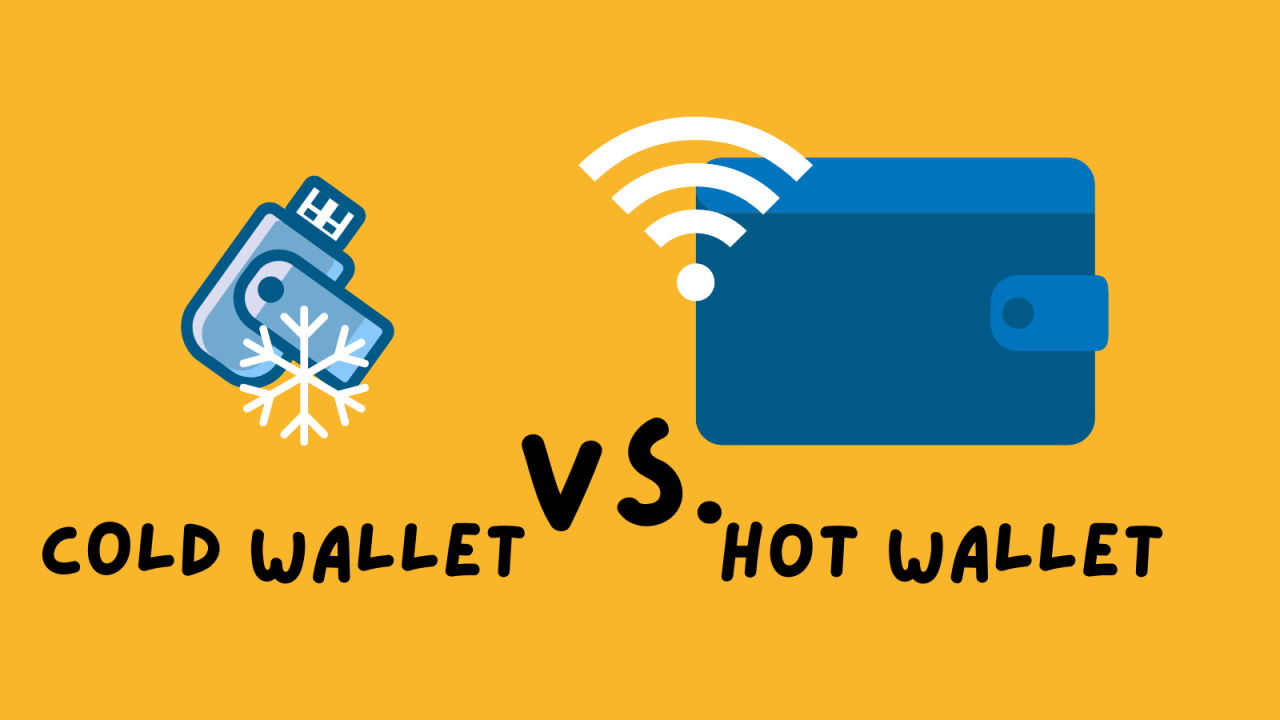
Hot wallet vs. cold wallet comparison
| Feature | Hot wallet | Cold wallet |
|---|---|---|
| Internet connection | Always connected | Stays offline |
| Best use case | Frequent trading and daily payments | Long-term storage and large balances |
| Access speed | Instant | Requires manual connection to sign |
| Remote hacking risk | Higher, due to constant connectivity | Minimal, no internet-facing attack surface |
| Convenience | High | Lower, deliberate process to send |
Using both types together is a practical approach. Keep a hot wallet funded for active spending and trading, and move the bulk of your holdings into a cold wallet for safekeeping. This way you get the convenience of quick access for everyday use without leaving your reserves exposed online.
Post-transfer management and firmware updates
Once your crypto is in cold storage, you don’t need to touch the hardware wallet to monitor it. Block explorers like Blockchain.com (for Bitcoin) and Etherscan (for Ethereum) let you check your balance using just the public address, no device needed.
Firmware updates deserve real attention, though. Manufacturers release patches when new vulnerabilities are discovered, and running outdated firmware leaves those vulnerabilities open. Always update through the official companion app. Never download firmware from a link in an email or from a third-party site, even if it looks legitimate.
Store the hardware device in a secure physical location that’s separate from your seed-phrase backup, a core rule of crypto wallet security. If both are in the same drawer and your home is burglarized or damaged, you lose both your device and your recovery method at once. A fireproof safe for one and a separate location for the other is a reasonable approach.
Periodically connect the device, confirm it powers on, and check that the stored balance matches the blockchain record. This takes a few minutes and catches problems, such as a dead battery in devices that use one, or firmware corruption, before you actually need to move funds.
How to sell crypto that is on a cold wallet
Getting crypto out of cold storage and back onto an exchange is essentially the transfer process in reverse.
Start by connecting your hardware wallet to its companion app or a compatible software wallet, then select the asset you want to send and enter the exchange’s deposit address. Confirm the transaction on the device itself, because the same network-matching and address-verification rules apply here. Sending to the wrong network or a mistyped address means permanent loss, just like it does going the other direction.
A network fee applies to this outgoing transaction, the same way it did when you originally moved funds into cold storage. Once the transaction confirms on the blockchain, the funds appear in your exchange account and you can trade or sell them. The remaining balance on your cold wallet stays offline and unaffected.
If you’d rather avoid a centralized exchange, you can also send from your cold wallet to a decentralized exchange where the trade happens on-chain. The process is the same: sign the transaction on your hardware device, send to the correct contract or wallet address, and wait for confirmation.
Frequently asked questions
Can I lose crypto with a cold wallet?
Yes. Your funds are safe from remote hacks, but if you lose both the device and the seed phrase, those funds are gone permanently. Physical theft is also a risk if the thief has your PIN or your recovery phrase. Cold storage protects against online threats, not every threat.
Which cold wallet is best for beginners?
Look for a device with a straightforward setup process, clear on-screen address verification, and broad token support. Those three things reduce the chance of errors during your first transfers. If firmware management feels intimidating, non-electronic card-style wallets remove that complexity entirely since there’s no software to update.
How long does it take to transfer crypto to cold storage?
It depends on the blockchain. Bitcoin typically confirms in about 10 to 20 minutes, Ethereum in about 3 minutes, and Tron in roughly 3 seconds. Paying a very low fee during peak congestion can delay confirmation on any network, so factor in current conditions if timing matters.
Does transferring crypto to a cold wallet trigger taxes?
Moving crypto between wallets that you own is generally not considered a taxable disposal because you have not sold or exchanged the asset. However, if you sell part of your crypto holdings to cover a network fee, that transaction may trigger a taxable event depending on the jurisdiction. Since crypto tax rules differ by country, you should check the regulations that apply where you live. Understanding these rules is an important part of responsible self-custody.
Keeping your keys offline for the long run
Cold storage is a one-time setup that can secure your assets for years, but it isn’t something you configure once and forget entirely. Seed-phrase safety and firmware health both need periodic attention. Check that your recovery phrase is intact and stored securely, update your device firmware through official channels, and verify your balance against the blockchain every few months.
Splitting your holdings between a hot wallet for day-to-day use and a cold wallet for reserves matches your security level to your actual need. You don’t need military-grade protection for the $50 you keep on hand for swaps, and you don’t want exchange-level exposure for your long-term savings.
At its core, understanding how cryptocurrency works helps explain why self-custody removes reliance on any single platform’s solvency. We’ve seen at AXL Research Hub how quickly exchange failures can wipe out balances that users assumed were safe. Moving your private keys offline puts full control in your hands, which is exactly where it belongs.