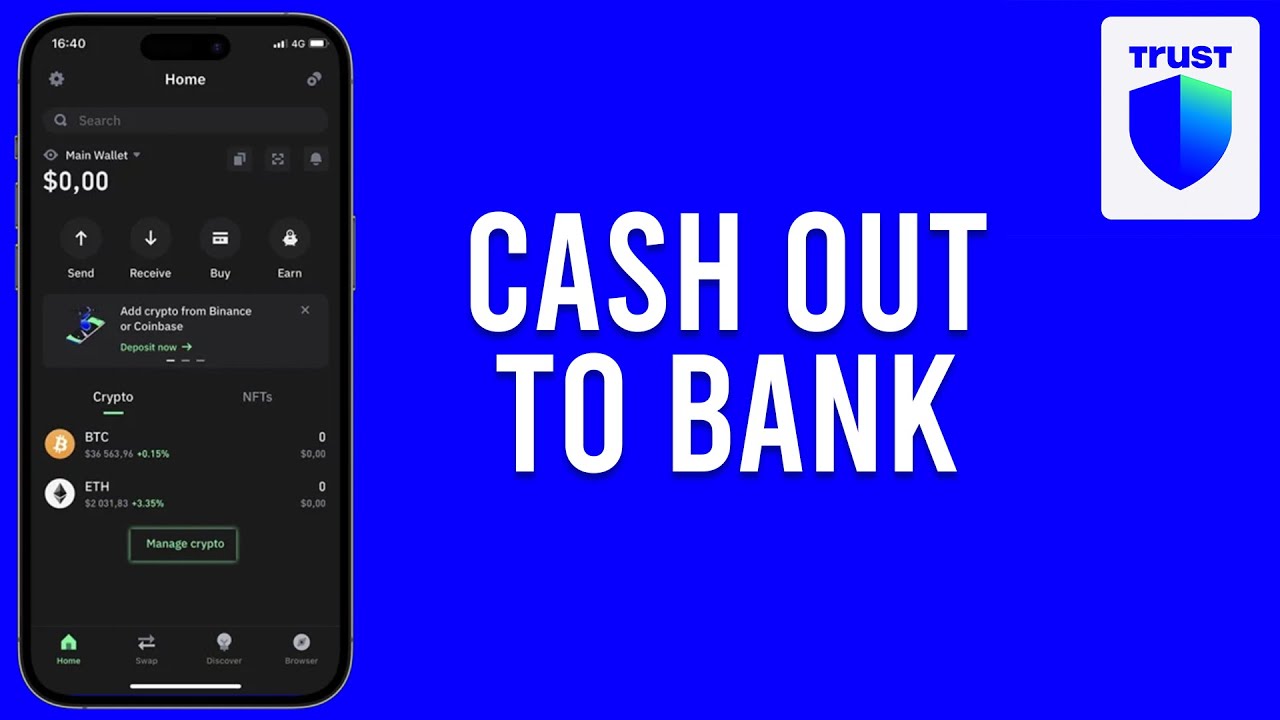

Trust Wallet doesn’t have a “withdraw to bank” button, so getting your crypto into cash takes a few extra steps. Every route runs through some intermediary that converts crypto to fiat, whether that’s an exchange, a peer-to-peer buyer, a payment app like Cash App, or Trust Wallet’s own sell feature. Which one is cheapest depends on where you live and how fast you need the money.
Can you withdraw money from Trust Wallet to a bank account?
Not directly. Trust Wallet is a decentralized, non-custodial wallet. It stores, sends, and receives crypto, but it doesn’t connect to banks or process fiat currency on its own. To turn crypto into dollars you can deposit in a bank account, you need an intermediary that converts crypto to fiat.
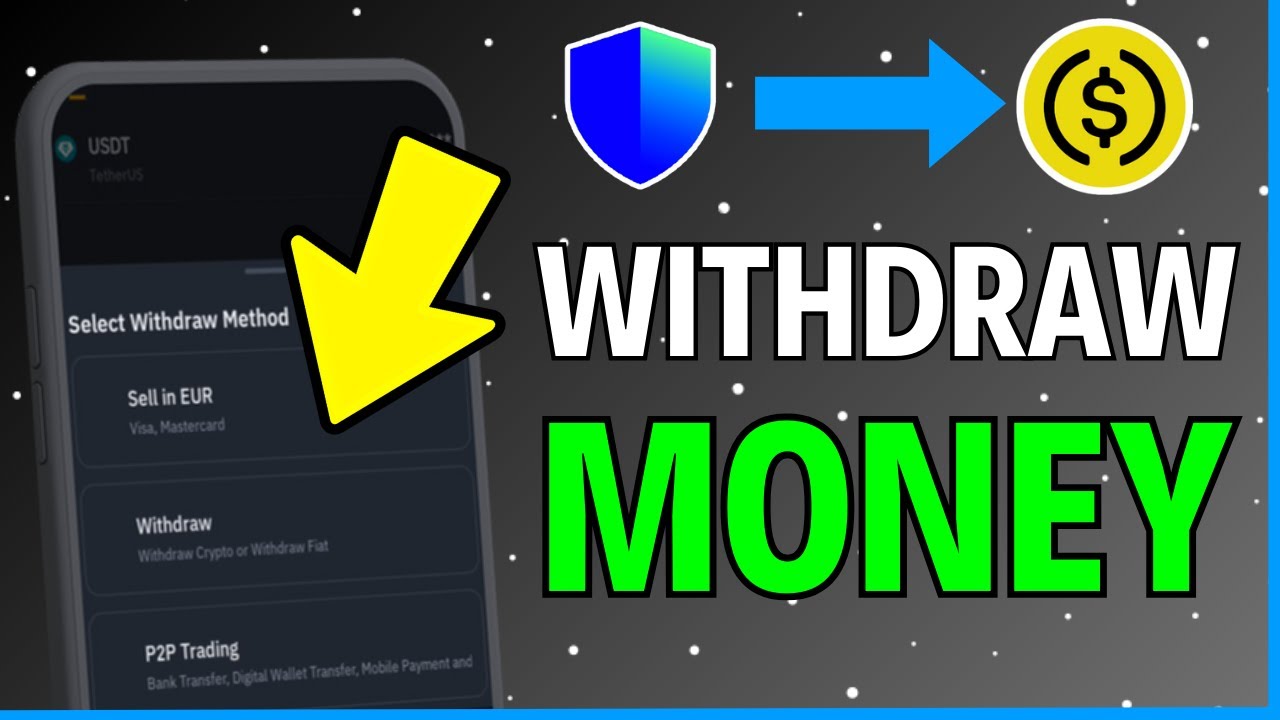
That intermediary can take several forms. The most common is a centralized exchange: you send your crypto there, sell it for USD, and withdraw to your bank. But it’s not the only option. You can also use a peer-to-peer marketplace where a buyer pays you directly, a payment app like Cash App that accepts Bitcoin, or Trust Wallet’s own built-in sell feature powered by third-party off-ramp providers.
Which method works best depends on where you live, what currency you want to receive, how fast you need the money, and how much you’re willing to pay in fees. With a user base exceeding 140 million people worldwide, Trust Wallet supports a wide variety of tokens and networks, as our Trust Wallet review details, so most users will have multiple viable routes to cash out.
How to withdraw from Trust Wallet to a bank account
The most straightforward way to cash out is sending your crypto to a centralized crypto exchange, selling it for fiat, and withdrawing to your bank. Here’s how that works from start to finish.
- Pick a centralized exchange that supports fiat withdrawals and create an account (or log in to an existing one). Make sure the exchange operates in your country and supports USD bank withdrawals.
- Complete identity verification (KYC) on the exchange. Most platforms require this before they’ll let you withdraw fiat. KYC typically involves uploading a government-issued ID and sometimes a selfie or proof of address. Some exchanges verify you in minutes, others take a day or two, so it’s worth doing this before you’re ready to cash out.
- Copy the deposit address for your crypto from the exchange. Go to the exchange’s deposit page, select the token you’re sending (for example, USDT or ETH), and choose the correct blockchain network. This step matters a lot: if you’re sending USDT, you’ll usually see options like ERC-20 (Ethereum) and BEP-20 (BNB Smart Chain). The network you pick here must match the network you send from in Trust Wallet. Choosing the wrong one can mean you permanently lose your funds.
- Open Trust Wallet, select the token, and tap Send. Paste the exchange’s deposit address into the recipient field. Enter the amount you want to send, but leave enough of the network’s native token in your wallet to cover the gas fee. If you’re sending an ERC-20 token, you need ETH left over for gas. If you’re sending on BNB Smart Chain, you need BNB.
- Review every detail before confirming. Check the recipient address character by character, confirm the network matches what the exchange expects, and verify the amount. Once you tap confirm, the transaction can’t be reversed.
- Wait for the transfer to arrive on the exchange. How long this takes depends on the blockchain you used and how congested it is. You can track the transaction by tapping on it in Trust Wallet’s history tab and viewing it on a block explorer. The exchange will also show pending deposits.
- Sell your crypto for USD on the exchange. Go to the exchange’s trade or sell section, select the token you deposited, and sell it for USD or another fiat currency. This part is usually near-instant once the deposit has been confirmed.
- Withdraw your USD to your bank. Go to the exchange’s withdrawal section, choose bank transfer as your payout method, enter your bank account details, and confirm. Funds typically reach your bank within 1 to 5 business days, depending on the exchange and the transfer method you choose.
Using the built-in sell feature to convert crypto to fiat
Third-party off-ramp providers like Ramp are built right into Trust Wallet’s mobile app and browser extension, so you can sell without leaving the wallet. This means you can sell crypto for fiat without ever creating a separate exchange account or sending tokens to another platform.
The process is simpler than the exchange route, though fees and supported currencies vary by provider.
- Open Trust Wallet and select the cryptocurrency you want to sell. Not every token will have the sell option available; it depends on what the integrated providers support.
- Choose the off-ramp provider from the available options. If more than one provider supports your token, you may see different rates and fee structures. It’s worth comparing them before committing.
- Enter the amount you want to convert. Confirm the fiat currency you want to receive and the bank account or payment destination where you want the funds sent. Follow the provider’s prompts, which may include identity verification on their end.
- The provider handles the rest. They convert your crypto and send the fiat to your linked bank account.
The biggest advantage here is convenience: no extra accounts, no copying deposit addresses, no managing a separate transfer. The trade-off is that rates from these providers may differ from what you’d get on a full centralized exchange. If you’re selling a large amount and the rate difference adds up, it’s worth checking an exchange’s price for comparison. For smaller amounts or quick cash-outs, the built-in sell feature saves time and reduces the chance of a costly address mistake.
How to withdraw from Trust Wallet without a specific exchange
You can cash out without tying yourself to a single exchange. The underlying process stays the same: send crypto from Trust Wallet to a platform that can convert it to fiat, sell it, and withdraw to your bank.
Peer-to-peer (P2P) platforms are the main alternative. On a P2P marketplace, you list your crypto for sale and a buyer pays you directly through a bank transfer, cash deposit, or another payment method you agree on. P2P gives you more control over the price you accept and how you get paid. Some sellers prefer it because they can set their own rate slightly above market price.
The downside is counterparty risk. You’re dealing with another person, not an automated system. Most P2P platforms use escrow to reduce this risk: your crypto is held by the platform until the buyer’s payment clears, then released to them. Still, disputes happen, and resolving them takes time.
P2P platforms may charge a listing fee, an escrow fee, or both. These are generally small, but they add to the network fee you already paid to send crypto out of Trust Wallet. On any centralized platform you use instead, standard exchange fees apply to trading and fiat withdrawals.
How to withdraw from Trust Wallet to Cash App
Cash App accepts only Bitcoin deposits, so this method works exclusively with BTC. If you hold other tokens, you’ll need to swap them to BTC inside Trust Wallet or on an exchange before sending.
- Open Cash App and go to the Bitcoin section. Tap the Bitcoin tile on your home screen, then tap “Deposit Bitcoin” to get your deposit address. Copy it.
- Open Trust Wallet, go to Bitcoin, and tap Send. Paste the Cash App Bitcoin address into the recipient field.
- Enter the BTC amount you want to send, review the details, and confirm. Double-check the address and make sure the amount leaves enough BTC to cover the Bitcoin network fee if Trust Wallet doesn’t deduct it automatically.
- Wait for the BTC to arrive in Cash App. Bitcoin transactions can take anywhere from a few minutes to longer during periods of high network activity. Cash App will show the incoming deposit as pending.
- Sell the BTC for USD within Cash App. Once the Bitcoin arrives, you can hold it or sell it immediately. After selling, cash out from Cash App to a linked bank account.
The main limitation is the BTC-only restriction. If you’re holding an ERC-20 token or a BNB Smart Chain token, you’d first need to swap it for BTC. That swap incurs its own network fee and possibly a trading fee, so factor those costs in before deciding whether Cash App is your best route.
How to withdraw from Trust Wallet to PayPal
Cashing out through PayPal adds a step because you still need an exchange in the middle, and not all exchanges support PayPal as a withdrawal destination. You’ll need to pick one that does.
- Send your crypto from Trust Wallet to an exchange that offers PayPal withdrawals. Use the same steps you already know: grab the deposit address from the exchange, make sure the network matches, paste it into Trust Wallet, and confirm.
- Sell the crypto for USD (or another supported fiat currency) on the exchange.
- Choose PayPal as your payout method and confirm the transfer. You’ll need your PayPal account linked to the exchange beforehand.
Funds land in your PayPal balance, where you can use them for purchases or move them to a bank account. PayPal withdrawals are generally faster than a direct bank wire, though the exact speed and fees vary by exchange. Keep in mind that PayPal may apply its own fees on top of whatever the exchange charges for the withdrawal.
How to transfer crypto from Trust Wallet to another wallet
Transferring crypto to another self-custody wallet doesn’t involve selling anything. It’s a standard blockchain send.
- Open the destination wallet and copy the receive address for the specific cryptocurrency you’re transferring. Make sure you’re copying the address for the right token on the right network. Sending on an incompatible network can result in permanent loss of funds.
- In Trust Wallet, open the same token and tap Send. Paste the destination wallet’s address.
- Enter the amount, review the network fee and recipient address, and confirm.
- Monitor the transaction in both wallets. Check the history or activity tab in each wallet to confirm the transfer arrived. You can also look up the transaction hash on a block explorer for the relevant network to see its confirmation status in real time.
Transferring funds from the Trust Wallet browser extension to the mobile app
The Trust Wallet browser extension and the mobile app are two separate wallets, each with their own addresses, unless you imported them from the same recovery phrase. If you set them up independently, moving crypto between them requires an on-chain transfer, just like sending to any other wallet.
Before you start, make sure both the app and the extension are updated to the latest version.
- On the mobile app, create or open a wallet. Select the asset you want to receive, tap Receive, and copy the deposit address.
- Open the browser extension, select the same asset, and tap Send. Paste the mobile app’s address into the recipient field.
- Enter the amount, double-check the fee and the destination address, then confirm. You’ll pay the standard gas fee for that blockchain, just like any other on-chain send.
- Check the mobile app’s transaction history to confirm the funds arrived. Depending on the network, this could take seconds or a few minutes.
If you’d rather avoid the network fee altogether, you can import your browser extension wallet into the mobile app (or vice versa) using your recovery phrase. That gives both interfaces access to the same wallet and the same balances, without any transfer needed.
Trust Wallet withdrawal fees and limits
Trust Wallet itself charges zero fees for withdrawals or transactions. It doesn’t take a cut when you send crypto. The fee you pay on every outgoing transaction is the blockchain network fee (commonly called a gas fee), and it goes to the network’s validators, not to Trust Wallet.
Network fees aren’t fixed. They fluctuate with how congested the blockchain is at the moment you send. During peak activity, gas fees rise because more people are competing to get their transactions processed. During quieter periods, fees drop.
You can reduce fees significantly by choosing a lower-cost network when one is available. For example, if you’re sending USDT, you might have the option to send it on Ethereum (ERC-20) or BNB Smart Chain (BEP-20). BNB Smart Chain fees are typically much cheaper than Ethereum fees for the same token. The catch is that the receiving platform has to support that network. Always check the deposit page on the receiving end before choosing.
To cover the gas fee, keep a small amount of that blockchain’s base currency in your Trust Wallet. So you’ll need ETH for Ethereum transfers, BNB for BNB Smart Chain transfers, and the equivalent native token for any other network. If you don’t have enough of the native token, the transaction won’t go through.
On the receiving side, the exchange you send to may charge its own deposit fee, trading fee, or fiat withdrawal fee. Those are set by the exchange and are separate from the network fee you paid to send from Trust Wallet.
Because Trust Wallet is non-custodial, it imposes no minimum or maximum withdrawal limits. You can send as much or as little as you want, whenever you want. Any limits you run into will come from the receiving platform.
How long does it take to withdraw from Trust Wallet?
The total time breaks into two parts: the crypto transfer and the bank withdrawal.
How quickly the crypto transfer goes through depends on which blockchain you use. Faster networks confirm transactions in seconds to a few minutes, while congested ones take longer. If the network lets you adjust gas fees, bumping the fee up can push your transaction ahead in line for quicker confirmation.
Once the crypto lands on the exchange, selling it for fiat is near-instant. The bank part is where the wait happens. Fiat withdrawals to a bank account typically take 1 to 5 business days, depending on the exchange, your bank, and the transfer method.
So the full timeline, from tapping Send in Trust Wallet to seeing cash in your bank, is roughly minutes for the crypto side plus 1 to 5 business days for the bank side. If you’re using a payment app like Cash App instead of a bank wire, the fiat side may be faster.
Choosing the right blockchain network for your transfer
This is the step that trips up the most people, and getting it wrong can mean losing your funds permanently. The network you choose on the sending side in Trust Wallet has to be the same one the receiving platform is set up to accept.
Start by checking the receiving platform’s deposit page, where you’ll see every supported network for the token you’re depositing. When the platform only lists ERC-20 for USDT, Ethereum is your only option. If both ERC-20 and BEP-20 are available, you can go with either, though BEP-20 will usually cost you less in fees.
If the network you selected in Trust Wallet doesn’t match what the receiving end supports, the tokens may be sent to an address that can’t recognize them. In many cases, those funds are unrecoverable. This is especially common with tokens that exist on multiple chains. Take the extra 30 seconds to verify the network on both sides before confirming.
Avoiding scams and common mistakes
Cashing out crypto makes you a target for specific scams. Knowing what to watch for can save you from an expensive lesson.
- Fake service fee scam. You receive a message, sometimes inside a support chat or DM, claiming that a large fee must be paid upfront before your funds can be “released” or “unlocked.” This is always fraudulent. Trust Wallet never charges service fees to unlock withdrawals. If someone asks you to send crypto to receive crypto, it’s a scam.
- Recovery scam. After losing funds to a bad transfer or a hack, you may be contacted by someone posing as a recovery agent who promises to get your crypto back for a fee. Legitimate recovery of sent crypto is extremely unlikely because blockchain transactions are irreversible. Paying a “recovery agent” almost always means losing more money.
- Wrong address, lost funds. A single wrong character in a wallet address sends your crypto to an unrecoverable destination. Always double-check the recipient address character by character. Copy and paste it rather than typing it manually, and verify the first and last several characters after pasting.
- Sharing your recovery phrase. Never give your recovery phrase or private key to anyone. Trust Wallet support will never ask for it. Anyone who has your recovery phrase has full control of your wallet.
- Unsecured connections. Avoid initiating transfers over public Wi-Fi. Use a secure, private connection to reduce the risk of someone intercepting your data.
- Outdated app. Keep Trust Wallet updated to the latest version. Updates patch security vulnerabilities that could otherwise be exploited.
If you encounter a suspected scam, report it to local law enforcement and any relevant fraud reporting agencies.
Frequently asked questions
What happens if I send crypto to the wrong address?
Funds sent to an incorrect or incompatible address are generally lost permanently. Blockchain transactions can’t be reversed, and there’s no central authority that can undo them. If you sent to an address on the wrong network, some exchanges may be able to recover the funds, but it’s not guaranteed and the process can take a long time. Always verify the address and network before confirming.
Can I recover my crypto if something goes wrong during a transfer?
It depends on the situation. If you still have the correct recovery phrase for both wallets involved, you can restore access and check whether the funds arrived. Without the recovery phrase, access to a wallet and its funds may be permanently lost. If the transfer went to the right address but just hasn’t arrived yet, check a block explorer using the transaction hash to see whether it’s still pending or has confirmed.
Do I need to complete KYC to cash out?
On most centralized exchanges, yes. KYC (Know Your Customer) verification is required before the exchange will let you withdraw fiat to a bank account. This usually involves submitting a photo ID and sometimes additional documentation. P2P trades may or may not require KYC depending on the platform, though many P2P marketplaces have introduced verification requirements as well.
Keeping records after you cash out
Every sale of crypto for fiat is a taxable event in the United States. You’re responsible for reporting any gains or losses on your tax return, and Trust Wallet doesn’t generate tax forms for you.
That means you need to track the numbers yourself. The two figures that matter most are your cost basis (what you originally paid for the crypto, including any fees) and the sale price (what you received when you sold). The difference between those two is your taxable gain or loss.
Hold on to your Trust Wallet transaction hashes, confirmation screenshots, and the trade history from the exchange or platform where you sold. These records make tax filing much simpler, especially if you’re reporting multiple transactions throughout the year.
Don’t overlook the network fees you paid along the way. Fees count toward your cost basis, which means they reduce your taxable gain. Keeping a log of every gas fee you paid, whether it was for sending to an exchange, swapping tokens, or any other on-chain transaction, can add up to meaningful savings at tax time. If tracking all of this manually sounds overwhelming, crypto tax tools can pull transaction data from your wallets and exchanges and calculate your gains automatically.